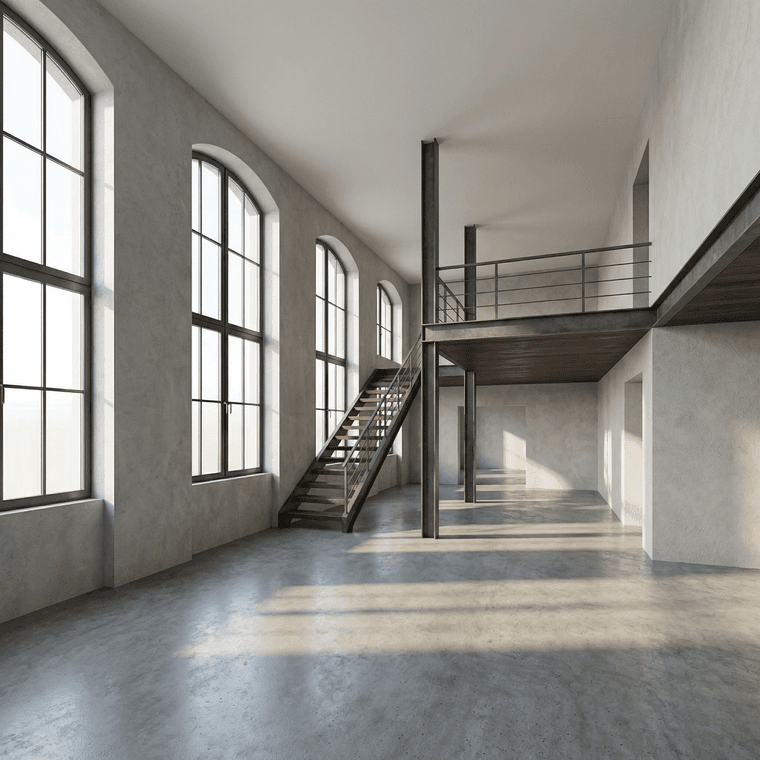
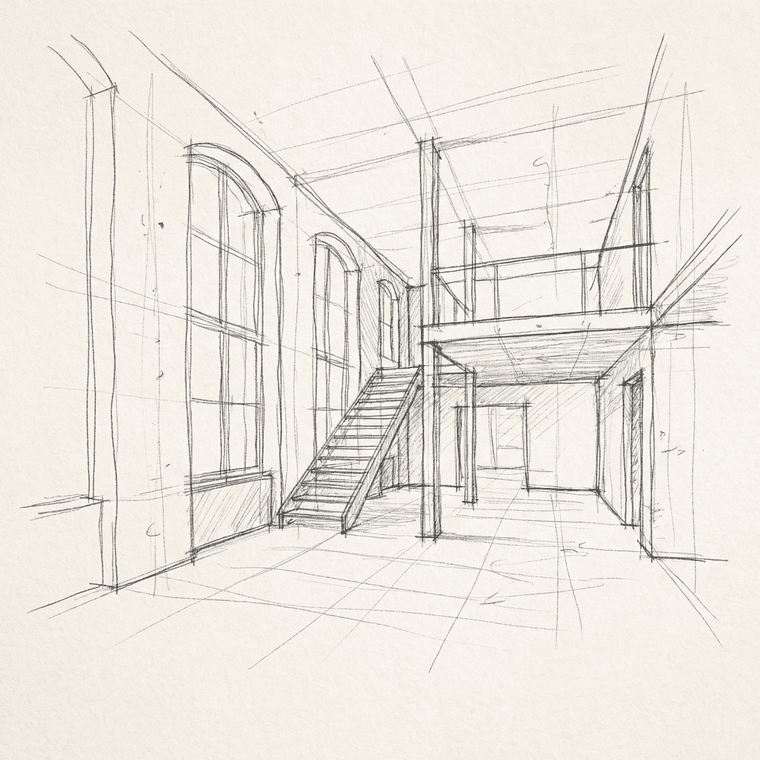
Lately I’ve been experimenting with a small workflow change that turned out to be more useful than I expected.
Instead of jumping straight into detailed modeling or rendering, I start with a very loose sketch — just lines, proportions, and basic composition. Then I use AI to explore how that sketch could translate into lighting, materials, and overall mood.
What surprised me is that this works best because the sketch is imperfect.
The AI doesn’t try to over-design everything; it fills in just enough detail to help me evaluate ideas faster before committing to a full model or render.
I’ve been using this mainly for:
early concept exploration
testing lighting and atmosphere
quick presentation visuals before proper production
It doesn’t replace proper rendering, but as a bridge between sketching and final work, it’s been genuinely useful.
For anyone curious about trying a similar sketch → render approach, this is the tool I’ve been testing:
link text
Would be interested to hear if others here are experimenting with AI at the sketch or concept stage.!