SCFLicense: Extension Licensing on Sketchucation
-
i just paid a license of fredocorner extension, but i didn't got any email of link download.
-
@tiodp said:
i just paid a license of fredocorner extension, but i didn't got any email of link download.
Thank you for your purchase.
SketchUcation licenses usually arrive within 24 hours of the purchase. If after 24 hours the email with the license is still not in your mailbox, please contact us.
As I see you have already activated your purchased FredoCorner license so I assume you have received it.
-
@unterluggauer said:
Hi Fredo, I upgrade to 4.0.0. The aktiveprocedure was a little different. OK, over again, I bought a full License. I got a new scflicense. But it doesn´t work again. My computer was always connencted to internet and I´m a skechtuo pro.
I pay yesterday 8,61 EUR and today 16,24 EUR without succses. Im a little bit frustrated. Usually i love your extensions
Hi,
Could you please try to erase the
C:\Users\*username*\AppData\Local\SCF Licenses\SCFLicenseSignature - DO NOT MODIFY OR DELETE.txtfile from your computer and try to activate again? (Where*username*is your username)P.S.: Of course we will refund the price of your RUSH license.
-
Hi Fredo,
I try your instruction. But it doesnt work.
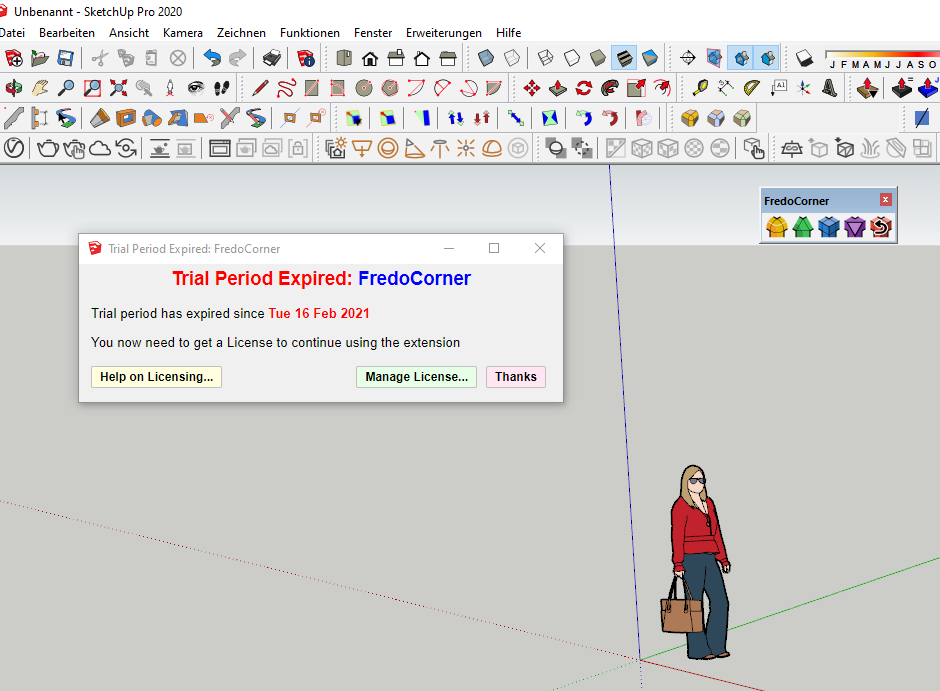
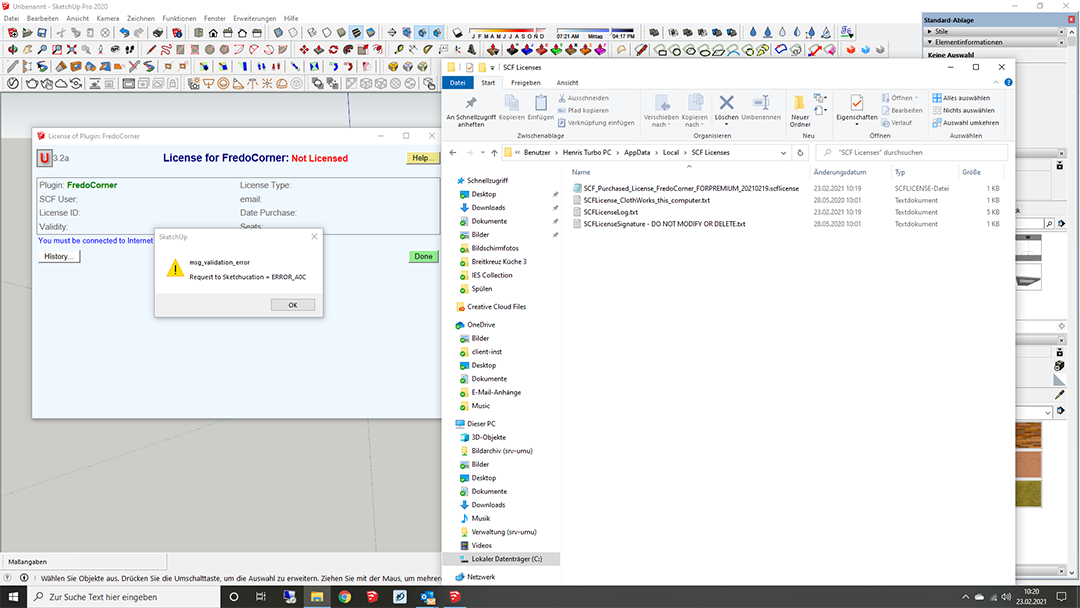
-
@unterluggauer said:
Hi Fredo,
I try your instruction. But it doesnt work.Apparently, you were you able to activate the license for Clothworks. Can you confirm?
Could you try the following.
- Go to the folder that you showed in your image
- Delete the file "SCFLicenseSignature...."
- Try again the procedure
- You will have to reactivate the license for Clothworks from the purchased license file.
Fredo
-
Thank you for this tip. It works.....
-
Hello
I paid for FredoCorner a few days ago, but I have not recieved a license file yet.
What to do? -
@svanholm said:
Hello
I paid for FredoCorner a few days ago, but I have not recieved a license file yet.
What to do?Hi,
Fredo re-sent the license to you yesterday. Did you receive it?
-
Just purchased, great tool, thanks!
-
I purchased FredoCorner license yesterday but I keep getting this error message when I try to validate it. I'm not sure what I'm doing wrong. Please help. I need to use this extension
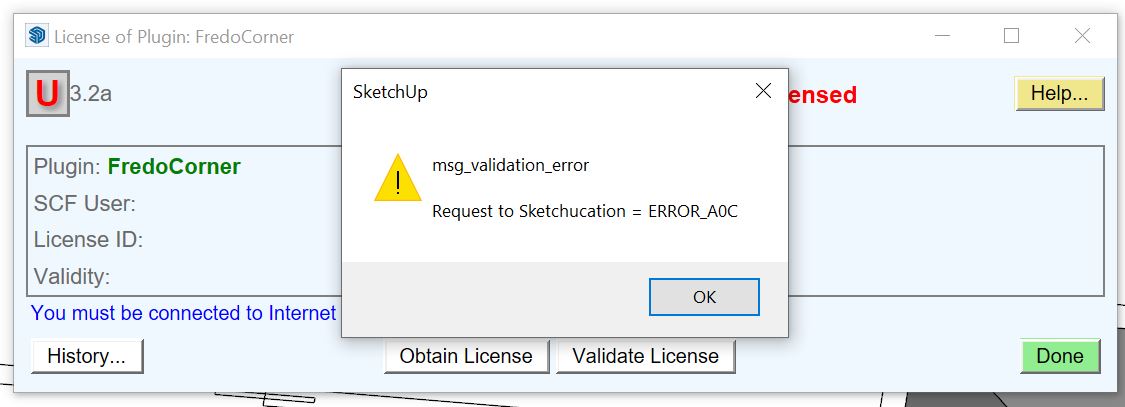
-
its been 24 hrs since i purchased fredocorner and got confirmation by paypal but no mail yet?
also not in spam...
thank you -
@ravibadiani said:
its been 24 hrs since i purchased fredocorner and got confirmation by paypal but no mail yet?
also not in spam...
thank youI sent you the license by email.
Actually, you gave a wrong email address when purchasing the license.
Fredo
-
Hello guys,
I am not able to make the payment to purchase the FredoSpline plugin. Displays the following error on PayPal.
"An error has occurred. Try again later."I've been trying since yesterday.

-
I just purchased this awesome extension and I keep getting a SketchUp message stating
msg_validation_error
Request to SketchUcation = ERROR_AOC
Please hurry, Round Corner is awesome too but it doesn't do what FredoCorner does.
My client is growing impatient. I needed this function an hour ago.
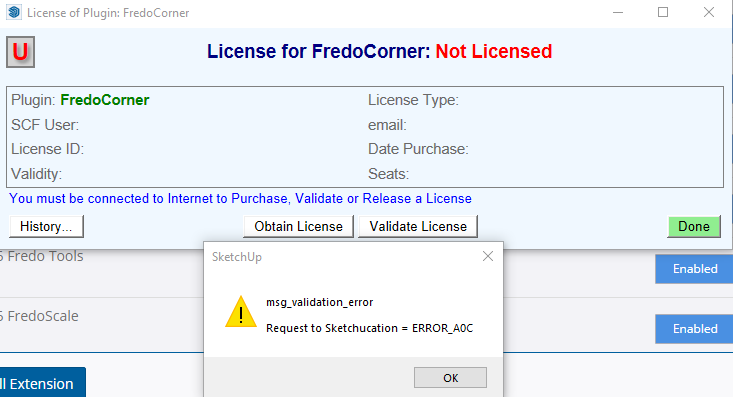
-
@jack.wortman said:
I just purchased this awesome extension and I keep getting a SketchUp message stating
msg_validation_error
Request to SketchUcation = ERROR_AOC
Please hurry, Round Corner is awesome too but it doesn't do what FredoCorner does.
My client is growing impatient. I needed this function an hour ago.There are a couple of life lessons in there, I hope you spot them...
-
@danielreple said:
Hello guys,
I am not able to make the payment to purchase the FredoSpline plugin. Displays the following error on PayPal.
"An error has occurred. Try again later."I've been trying since yesterday.
I managed to make the payment.
I was using Chrome, so I accessed the store with the Firefox browser and the error didn't appear.
-
@jack.wortman said:
I just purchased this awesome extension and I keep getting a SketchUp message stating
msg_validation_error
Request to SketchUcation = ERROR_AOC
Please hurry, Round Corner is awesome too but it doesn't do what FredoCorner does.
My client is growing impatient. I needed this function an hour ago.Could you try the procedure indicated in this post.
Fredo
-
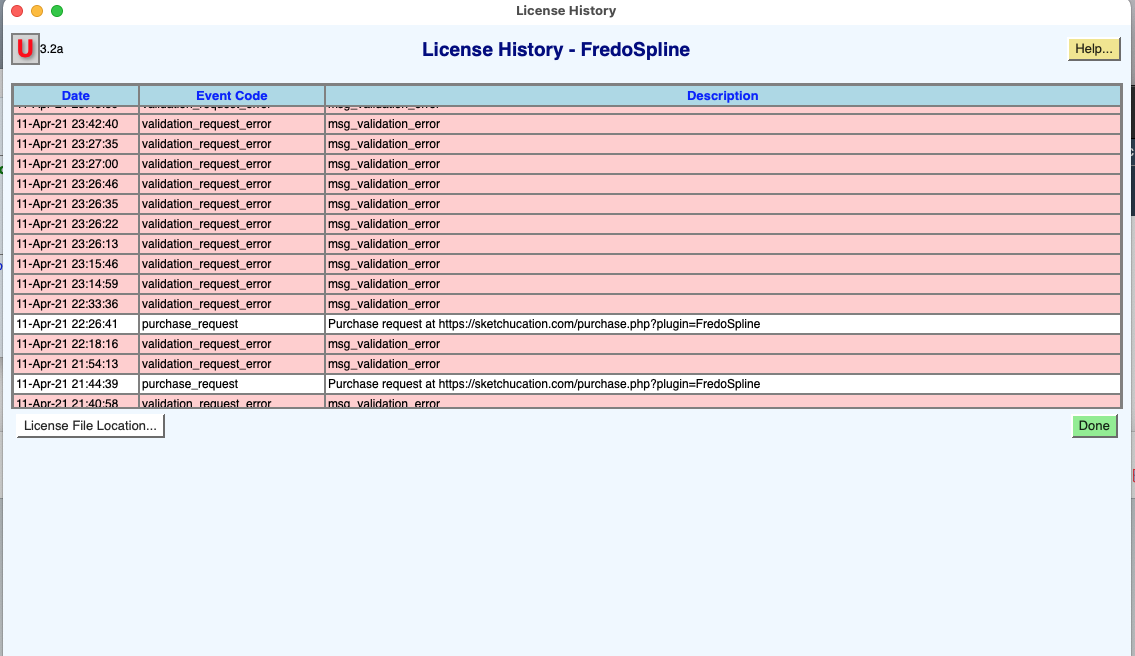
Can you help me, maybe with team viewer?
-
@richarddriessen said:
Can you help me, maybe with team viewer?
Could you do the following
-
In the Message History panel, click on the button "License File Location". This opens the directory where license files are stored.
-
Erase the files
- SCFLicenseSignature - DO NOT MODIFY OR DELETE.txt
- SCFLicense_FredoSpline_this_computer.txt
-
Redo the Validation procedure.
Sorry for the inconvenience. There seems to be some problem on Mac platform which we are investigating and will fix.
Fredo
-
-
@fredo6 said:
@richarddriessen said:
Can you help me, maybe with team viewer?
Could you do the following
-
In the Message History panel, click on the button "License File Location". This opens the directory where license files are stored.
-
Erase the files
- SCFLicenseSignature - DO NOT MODIFY OR DELETE.txt
- SCFLicense_FredoSpline_this_computer.txt
-
Redo the Validation procedure.
Sorry for the inconvenience. There seems to be some problem on Mac platform which we are investigating and will fix.
Fredo
Thank you, it worked, I can use the Fredo lines again
-





Hello! It looks like you're interested in this conversation, but you don't have an account yet.
Getting fed up of having to scroll through the same posts each visit? When you register for an account, you'll always come back to exactly where you were before, and choose to be notified of new replies (either via email, or push notification). You'll also be able to save bookmarks and upvote posts to show your appreciation to other community members.
With your input, this post could be even better 💗
Register Login


Advertisement