GE not rendering line work from SU model...
-
Hi all,
I needed to create a very quick massing model for a building on a site, for work. Creating the sketchup model wasn't a problem (screenshot provided), however, when I previewed the model in GE it did not render any of the line work (screenshot provided). In essence, the SU model has floors visible with the line work, but GE simply rendered a solid gray box. I've not encountered this before and am thinking I must be missing something simple. How come what I see in SU isn't importing exactly that way into GE?
Btw, I am using:
SU 2015 Pro
Google Earth ProThanks,
Aaron
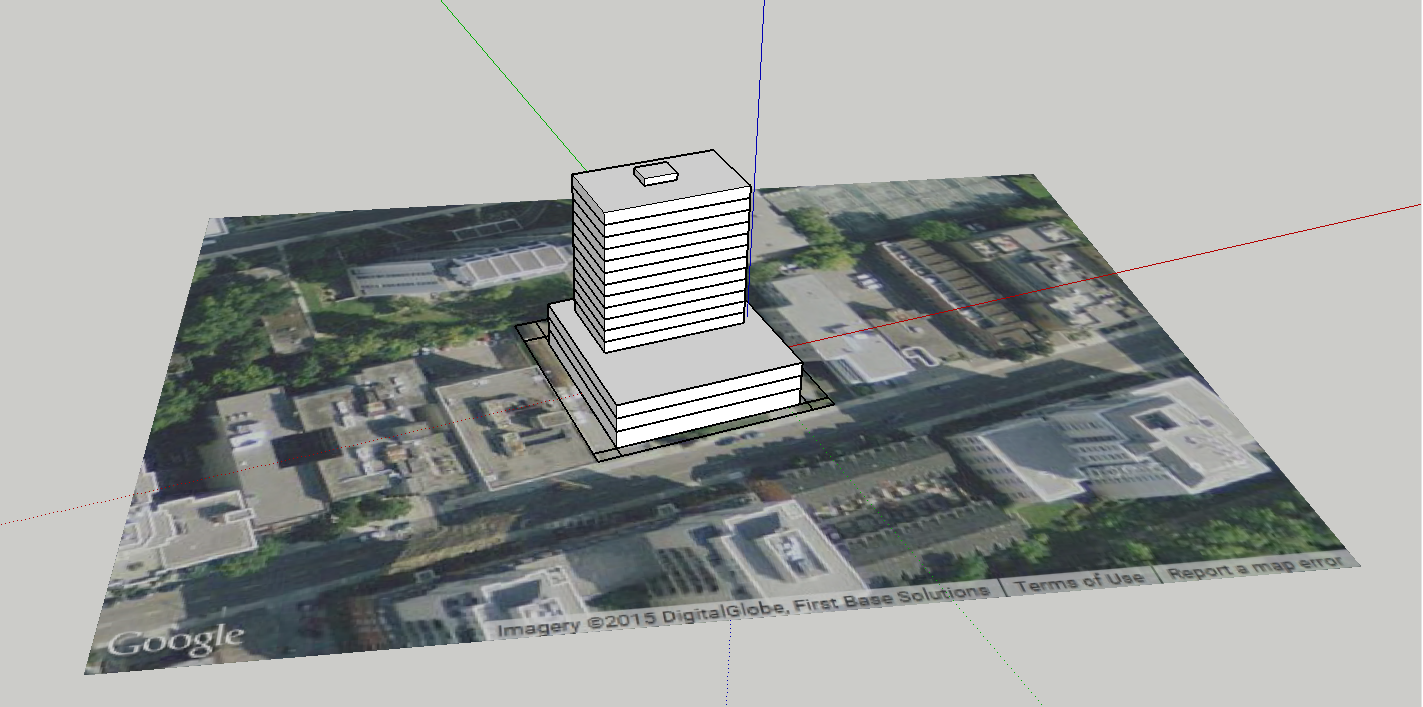
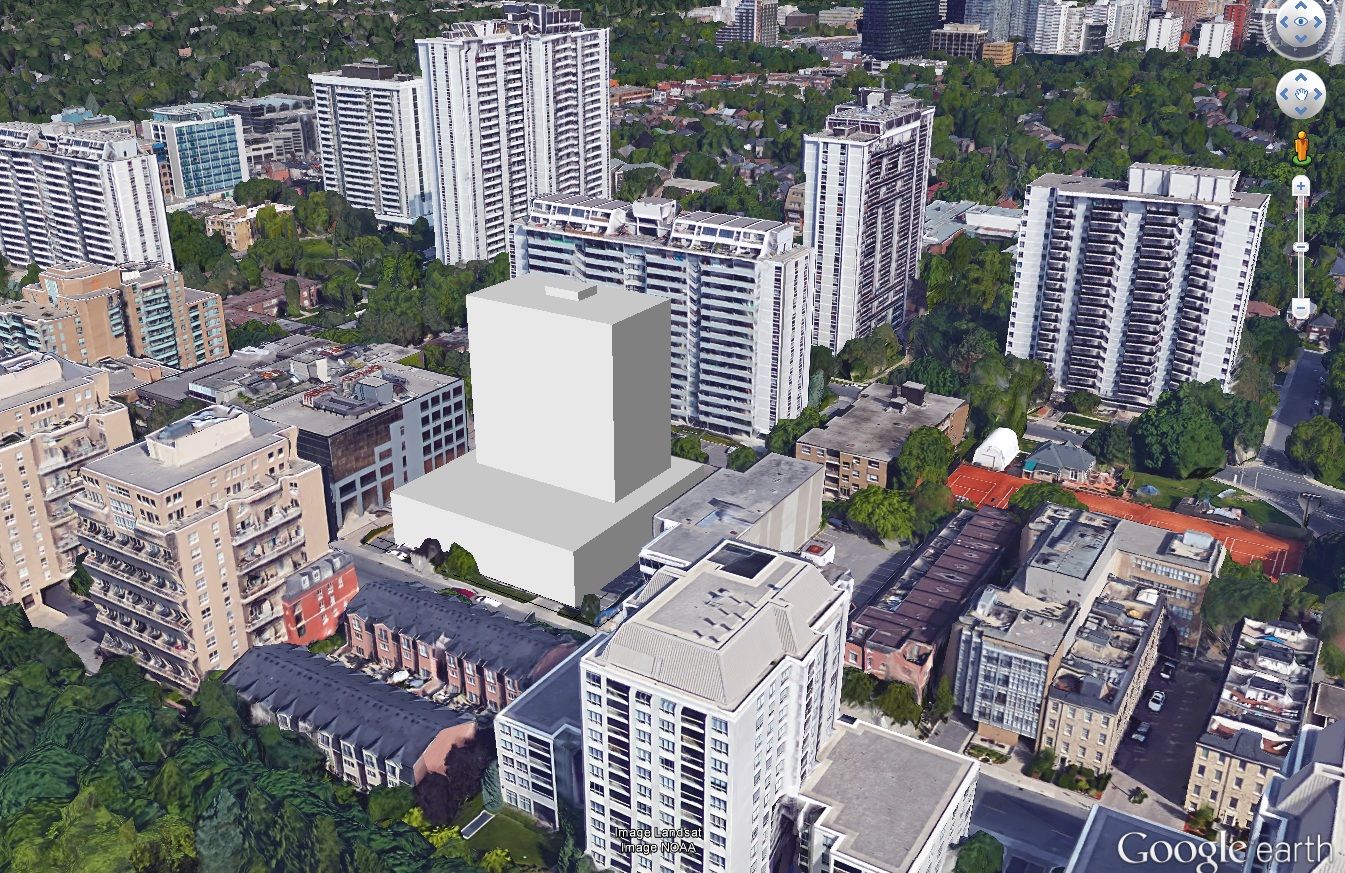
-
Bit late here, but line works are don't show up because they are physically nothing. If you need to show a gap between floors, you need to either make a physical gap (12" high and push/pull inwards). Or you can draw two lines (12" apart) and paint in black so that it'll appear.
-
Hi,
Do you know how to make ore how this screenshot is made from google earth?
Hello! It looks like you're interested in this conversation, but you don't have an account yet.
Getting fed up of having to scroll through the same posts each visit? When you register for an account, you'll always come back to exactly where you were before, and choose to be notified of new replies (either via email, or push notification). You'll also be able to save bookmarks and upvote posts to show your appreciation to other community members.
With your input, this post could be even better 💗
Register Login


Advertisement