Round front edge of
-
` prompts = ["length", "width","height"]
defaults = [36.0,10.0,1.0]
input = UI.inputbox prompts, defaults, "Tread."if input == false
UI.messagebox("All Must Be Entered")
else
a,b,c=input
UI.messagebox("Tread input accepted!, #{input}!")
endent = Sketchup.active_model.entities
face = ent.add_face [0,0,0], [a,0,0], [a,b,0], [0,b,0]
#face.reverse!
face.pushpull c`I am using the above code, how can I round the front edge of my drawing. for example Height is 1, then I would like the front to be rounded with 1" diameter.
thanks.
-
You will probly get better answers and but I would draw the end face wich would include the radius and push the length. I did this for my loose tenons. I used simple trig to calculate as many radius points needed. The built in radius would be more flexible but I never got the hang of it.
Keith
Ps. Send pm if interested in my code.
-
@davesexcel said:
` prompts = ["length", "width","height"]
defaults = [36.0,10.0,1.0]
input = UI.inputbox prompts, defaults, "Tread."if input == false
UI.messagebox("All Must Be Entered")
else
a,b,c=input
UI.messagebox("Tread input accepted!, #{input}!")
endent = Sketchup.active_model.entities
face = ent.add_face [0,0,0], [a,0,0], [a,b,0], [0,b,0]
#face.reverse!
face.pushpull c`I am using the above code, how can I round the front edge of my drawing. for example Height is 1, then I would like the front to be rounded with 1" diameter.
thanks.
One possibility
prompts = ["length", "width","height"] defaults = [36.0,10.0,1.0] input = UI.inputbox prompts, defaults, "Tread." if input == false UI.messagebox("All Must Be Entered") else a,b,c=input UI.messagebox("Tread input accepted!, #{input}!") end ent = Sketchup.active_model.entities ent.add_line [0,b,0],[0,0,0] ent.add_arc [0,0,c/2.0],[0,0,-1],[-1,0,0],c/2.0,0,180.degrees,6 ent.add_line [0,0,c],[0,b,c] edg=ent.add_line [0,b,c],[0,b,0] edg.find_faces; face=edg.faces[0] #face = ent.add_face [0,0,0], [a,0,0], [a,b,0], [0,b,0] #face.reverse! face.pushpull -a -
You could use Fredo6 Round Over.
I do this for curved stairs with radius corners.
I use a polygon mesh and fill in all the surfaces.
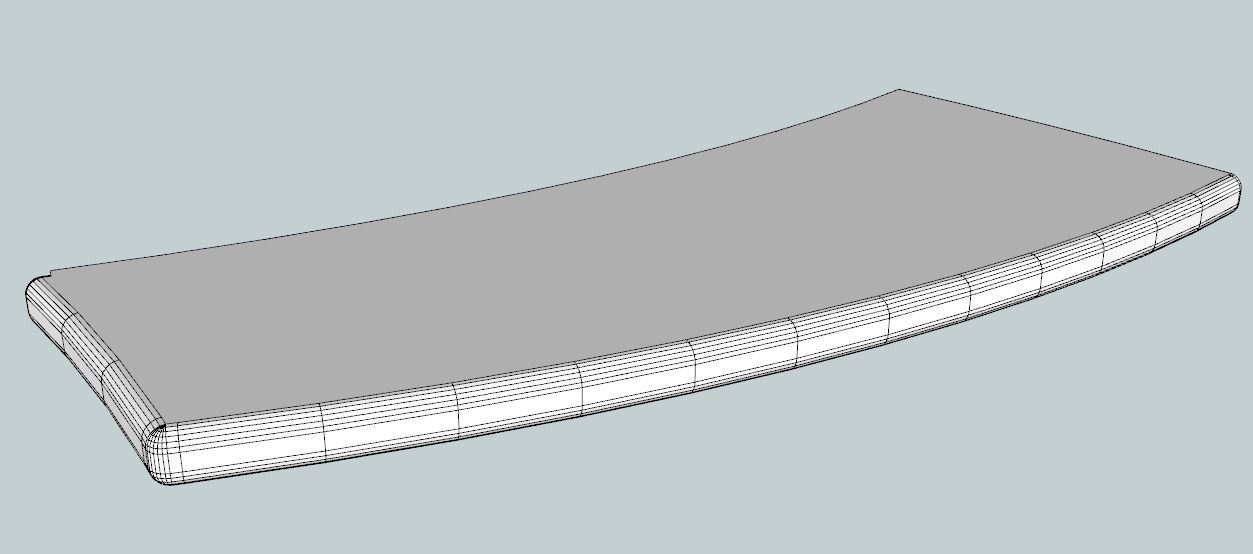
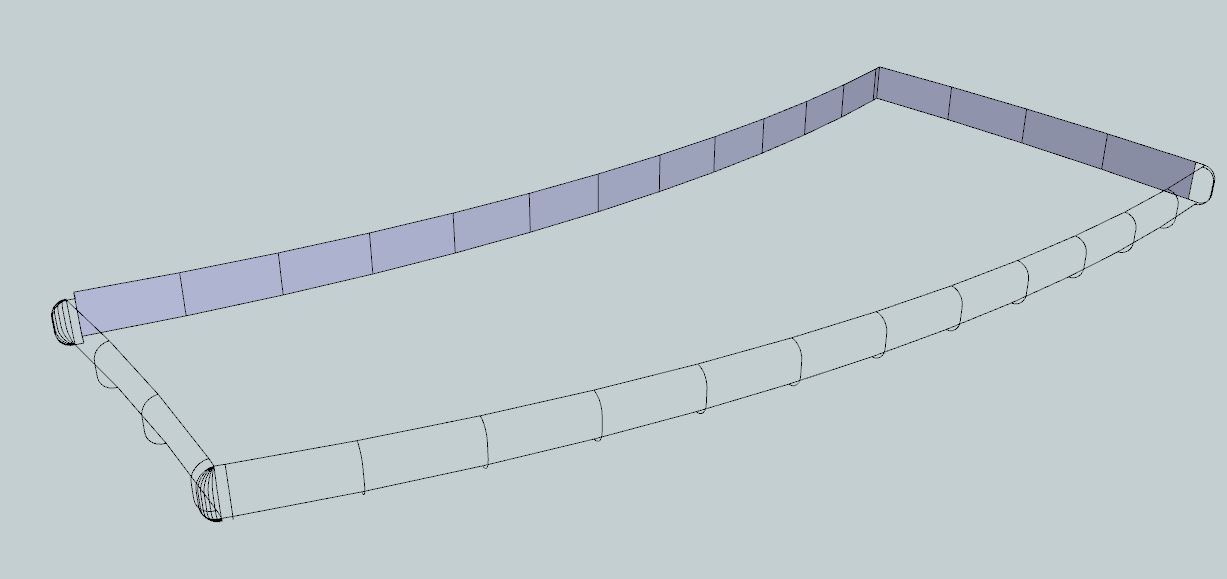
-
Thanks a lot for the replies. The code actually draws it the way I would draw it manually.
Thanks!

Hello! It looks like you're interested in this conversation, but you don't have an account yet.
Getting fed up of having to scroll through the same posts each visit? When you register for an account, you'll always come back to exactly where you were before, and choose to be notified of new replies (either via email, or push notification). You'll also be able to save bookmarks and upvote posts to show your appreciation to other community members.
With your input, this post could be even better 💗
Register Login


Advertisement