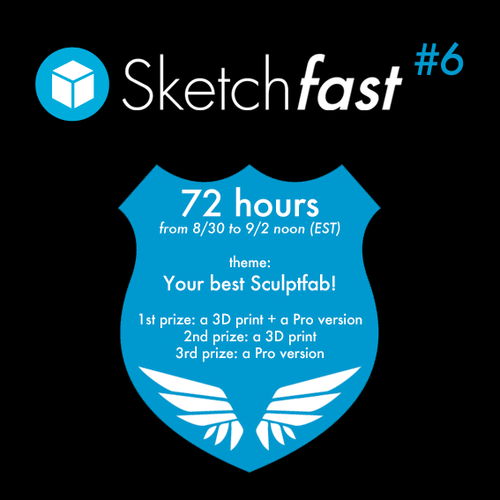
Speed SketchFab Challenge!
-
-
You cannot orbit all around the figure??
-
-
You can upload your own object file...
-
I couldn't figure out how to change the color of the object.
-
@unknownuser said:
change the color of the object.
Seems it's the same program than this one!

(line 4 on the right)
-
The problem is that I can see the color name #(alphanumeric string), I can click on it and see the little color display with hue and value and holding down left mouse button I can select both and the new number is displayed, but the object does not change to the selected color. That default clay color makes everything look anatomical.
There must be some keystrokes I am missing and I could not find in search online.





Hello! It looks like you're interested in this conversation, but you don't have an account yet.
Getting fed up of having to scroll through the same posts each visit? When you register for an account, you'll always come back to exactly where you were before, and choose to be notified of new replies (either via email, or push notification). You'll also be able to save bookmarks and upvote posts to show your appreciation to other community members.
With your input, this post could be even better 💗
Register Login


Advertisement