Doodle dragon carving
-
Hi everybody
I have been lurking for quite sometime. I feel the next is worth posting.
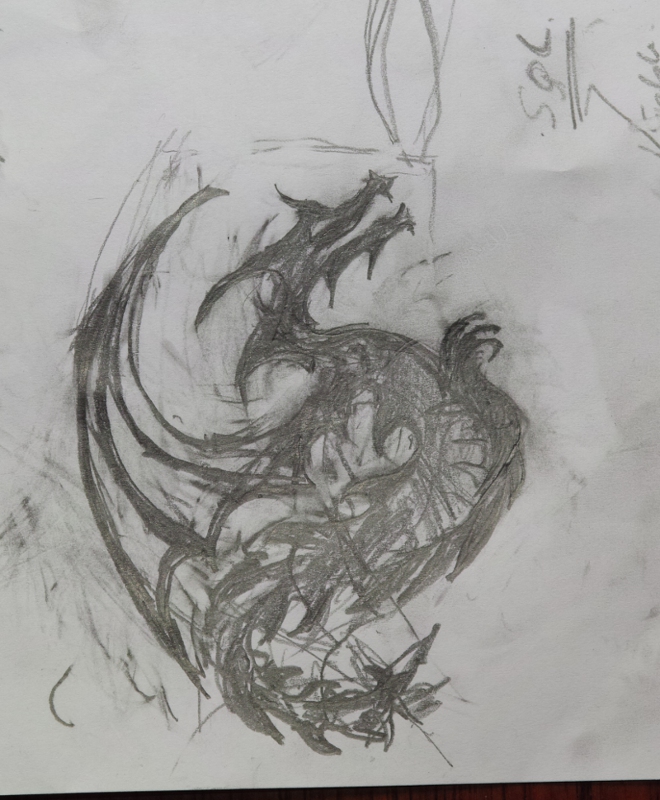
Here is a dragon doodle
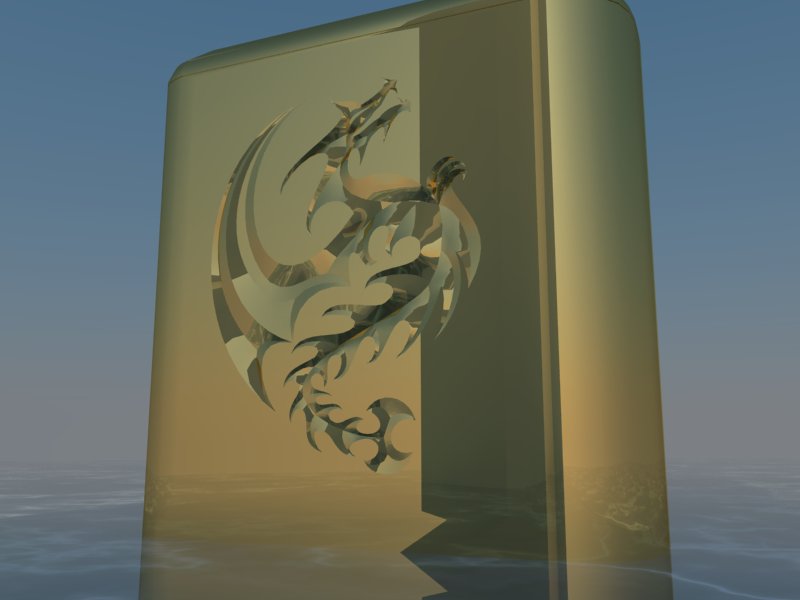
and in SketchUp as a metal carving on a lighter or something straight from vray.
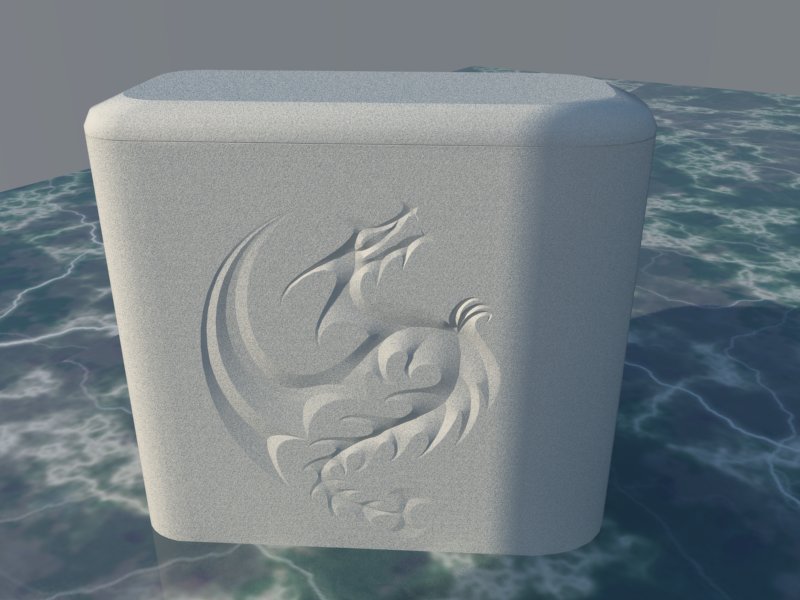
same object with the material replaced with gypsum
By the way a question: Is there a way to teach the spellchecker the word SketchUp so it will not mark it?
Ogan Ocali
-
I really like the way you have reduced everything to very simple shapes,and still managed to get a really strong dragon image. Nice work!
i justignor spellckr, itz alays rong anywaa
-
Really cool , i also love the fact that is very geometrical
i think it wold look really cool as a statue in a very modern open square next to some glass buildings. -
Thanks
-
Hi Ogan,
Long time no chat. I hope all is well.
I like your carving.
Was it done in Sketchup? If so, how did you "carve" it into the polygon face?
Thanks and have a great day!
_KN
p.s. Say Hi to Gulcan for me.
-
Very nice, as they say, less is more.
-
Hi,
All work was done in SketchUp. Steps: Import photo, trace the outlines onto a plane, trace a skeleton, displace the central parts of the skeleton, weave meshes inside the blocks. I depended largely on Tgi3D's curve capabilities.
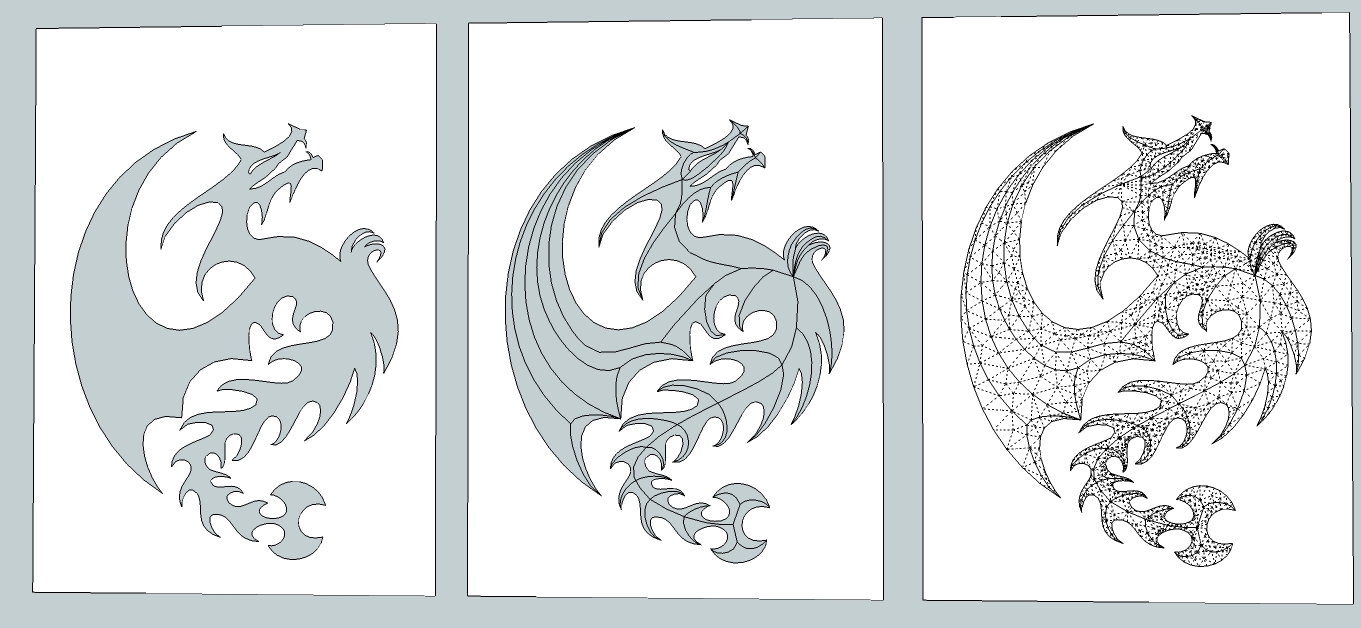
I am also attaching the sketchup file with the 3D warehouse licesing terms (i.e free). It can be easily slapped on a plane.
enjoyOgan




Hello! It looks like you're interested in this conversation, but you don't have an account yet.
Getting fed up of having to scroll through the same posts each visit? When you register for an account, you'll always come back to exactly where you were before, and choose to be notified of new replies (either via email, or push notification). You'll also be able to save bookmarks and upvote posts to show your appreciation to other community members.
With your input, this post could be even better 💗
Register Login


Advertisement