Ceramic Tiles
-
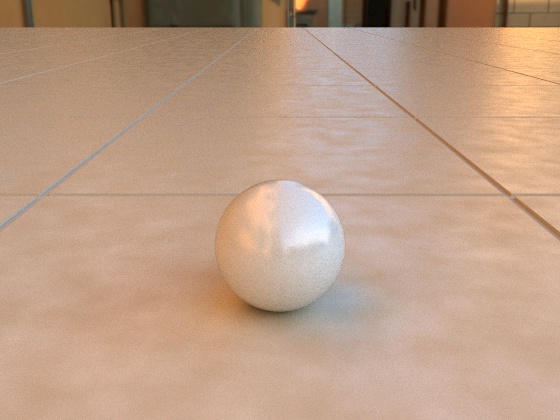
Here are Ceramic Tiles that were made with SketchUp.
Rendered with Blender Cycles.
Texture is a Cycles Procedural Texture.
Depth of Grout grove is 1/8 inch and looks to deep.
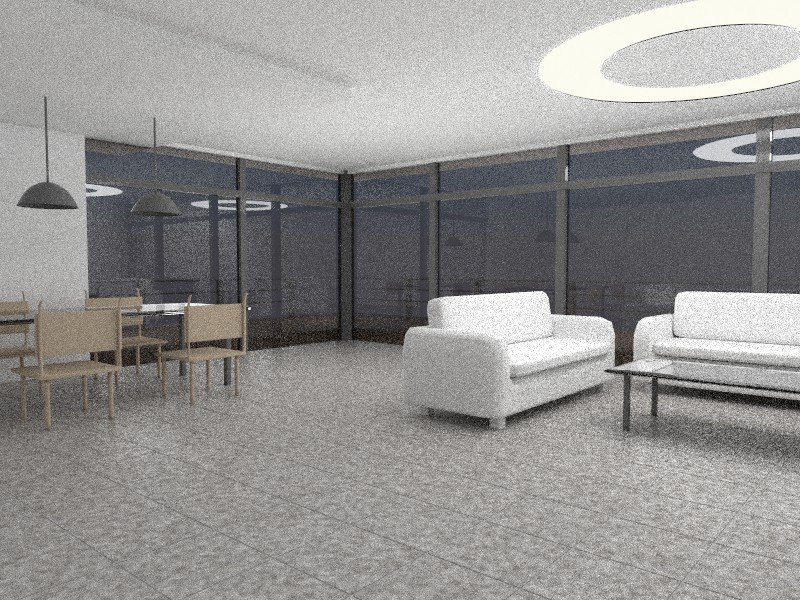
Have been messing around with Interiors.
-
Perhaps angle the sides of the tiles? They might be too "sharp".
-
Yes:) And the joints too uniform, and stright.>_<. Not at all like the floor I once laid myself.
-
icedkasz,
Yes, was thinking of beveling the edges some but wanted
to try seeing if it is needed at a higher distance.honoluludesktop,
Ive never worked with tile before but did have some
guy do that inside the house.I added another render but the model i borrowed from the
Luxrender forum. The tile is from SketchUp. Hoping im not
thrown in to jail for this.
-
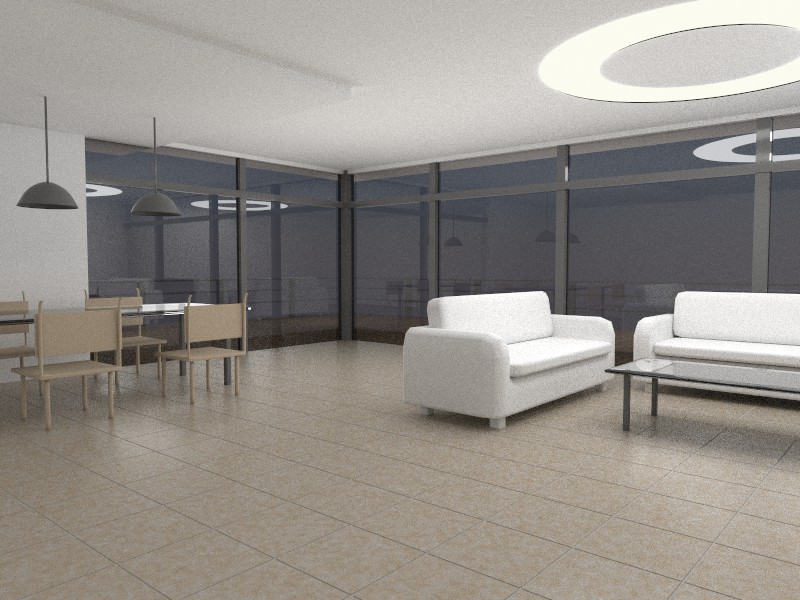
On the 3rd Render, the tiles have a two tone color but they
need to be brought closer together so they wont look so spotty.
Edges need to be beveled.
-
David, You realize my comment was a lame attempt at humor? If photo real is your eventual goal, what you are doing is necessary. Fellows like me would just lay down a texture, and get back to (as is this case) the interior design. I would ask myself, what a real camera would see, then use that as my yardstick for the floor. Good work.
-
Thanks, honoluludesktop,
Yes, I know in the real world nothing is perfect.
In the world of graphics nothing is perfect also
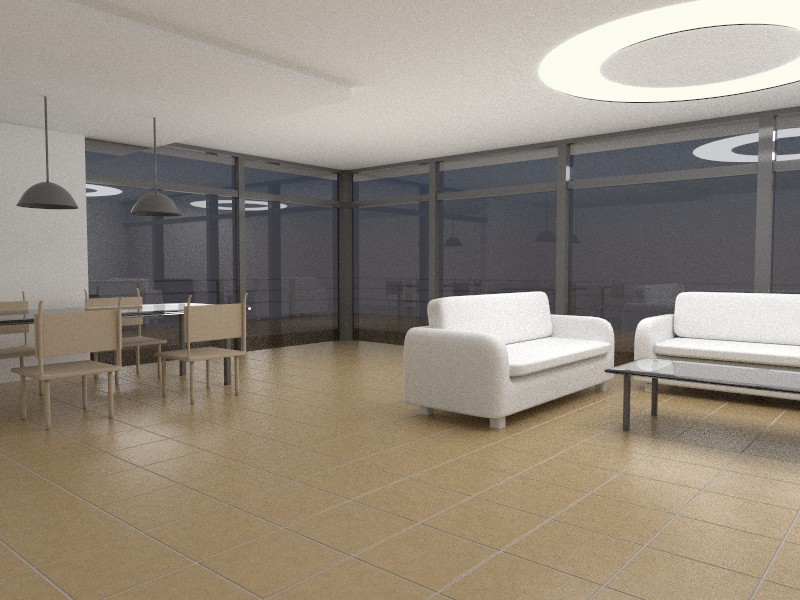
we pretend that its real.Here is my final render,
Edges have been rounded.
-
A light bulb just went on regarding the rounded edges discussion. When I sharpen knives and chisels, I hold them up so the bare edge is pointed at a bare bulb. If the edge is bright the knife is not sharp, if the edge disappears it is because it is so sharp there is no surface to reflect light. I have spent many hours in photo shop applying light lines to edges so they become more apparent. Now it all comes together. An aha moment.
-
The last picture is very nice. Tile works great. I guess if you have a closeup, some irregularity might be a good idea. This thread reminded me... is there a plugin that makes grooves out of lines (edges inside face)? there should be one. Lines that work to make grids etc. on a SU picture, of course disappear in render so for many applications a quick groove would be helpful, just as rounding corners is.
-
Peter, you could use the offset tool on the tile and then just pull up the center surface with autofold on.
-
How about TIG's lattice maker?
-
Yes, that may be a way, Gaieus.
Roger I see that you are considering an array of tile components whereas I was thinking of just laying lines on a face and applying a groove to each line, in one step. I am thinking one could use such a tool to delineate many joints found in construction. Such a tool could have presets such as v-groove and square groove, preset size etc. So, as I sometimes see in the gallery, if you had simple SU lines all over your spaceship you could make them render-able in one operation.
-
...It may be the same way to wonderful woods flooring...
-
This sounds like having TIG do all the work for us
with just a few clicks.





Hello! It looks like you're interested in this conversation, but you don't have an account yet.
Getting fed up of having to scroll through the same posts each visit? When you register for an account, you'll always come back to exactly where you were before, and choose to be notified of new replies (either via email, or push notification). You'll also be able to save bookmarks and upvote posts to show your appreciation to other community members.
With your input, this post could be even better 💗
Register Login


Advertisement