Adjusting Textures on a Diamond shaped Surface
-
Long time lurker here

Hoping I'm missing the obvious.
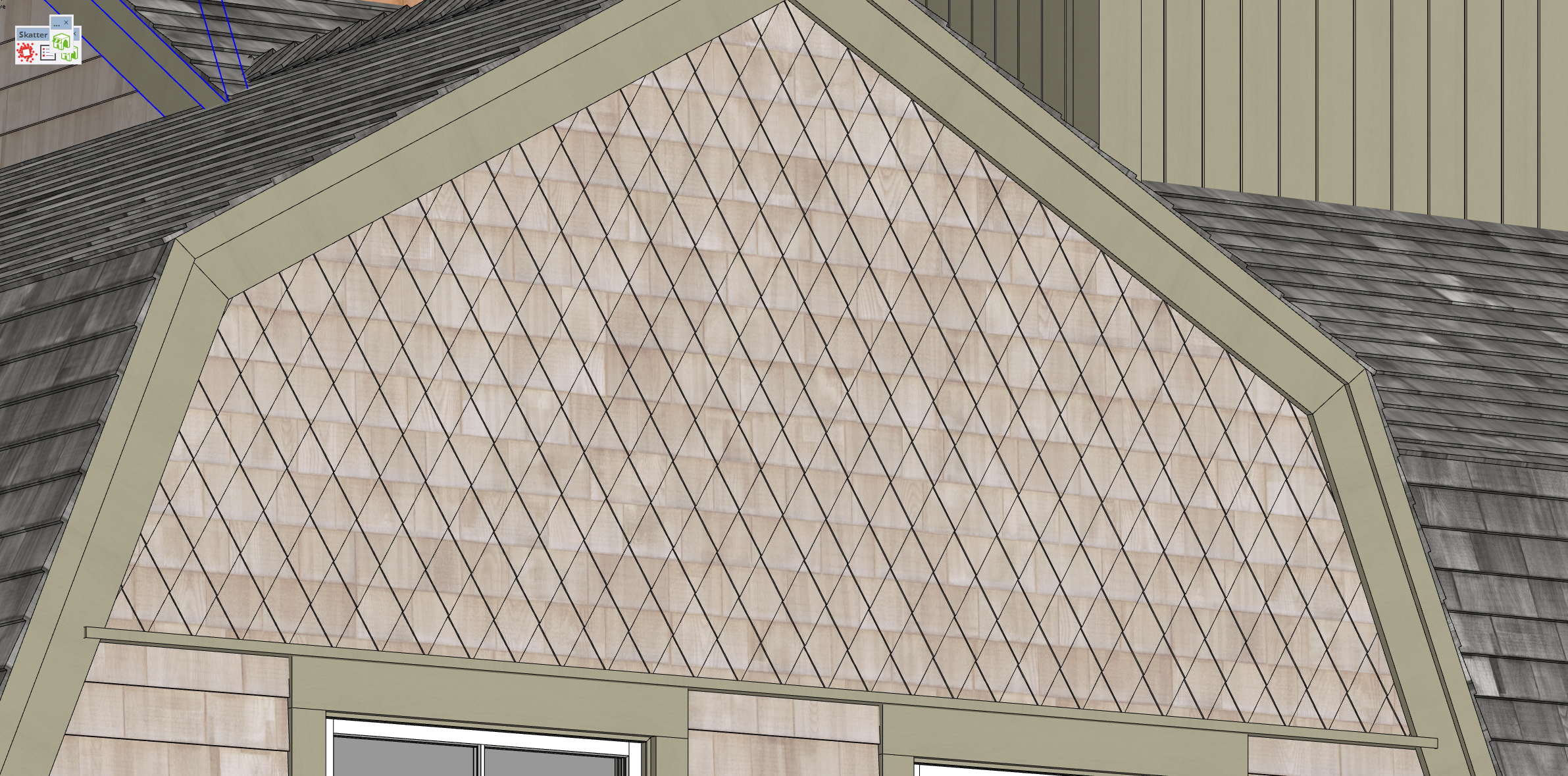
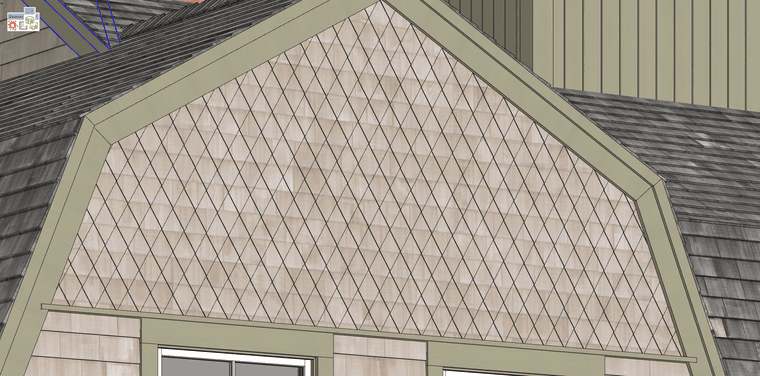
I have a facade with diamond shaped cedar shingles modeled.
I want to paint and manually move the texture around on each shingle.
Typically I would right click and adjust the texture. Doesn't appear to work on these diamond shapes.
Tried thru paint and quad tools with no solution.Any ideas?
-
@Robert Taking a w.a.g. without actually seeing the model. This usually is the result from painting the texture on a group/component without opening it for editing.
-
the diamond façade is a component and the geometry is painted in the component.
I've uploaded the component here if you care to take a look.
My plan was create a new texture but larger scale and move it around to fit on individual diamond shingles. to avoid the horizontal and vertical lines.
https://www.dropbox.com/scl/fo/3ron3i66jhebaiyjj55h7/AE5zpEX7JBhDq5UFZtJhkuc?rlkey=98mff0zb8uz3ncezxkj57pr7u&dl=0 -
Upon further review it appears the geometry was softened and that was causing the issue.
-
@Robert Glad you got it sorted.


Hello! It looks like you're interested in this conversation, but you don't have an account yet.
Getting fed up of having to scroll through the same posts each visit? When you register for an account, you'll always come back to exactly where you were before, and choose to be notified of new replies (either via email, or push notification). You'll also be able to save bookmarks and upvote posts to show your appreciation to other community members.
With your input, this post could be even better 💗
Register Login


Advertisement