sketchucation logo sketchucation
    • Login
    Oops, your profile's looking a bit empty! To help us tailor your experience, please fill in key details like your SketchUp version, skill level, operating system, and more. Update and save your info on your profile page today!
    Mac User? | Join the Rayscaper Beta for Mac Learn More

    [?] Is there a plugin for this? [graduating color]

    Scheduled Pinned Locked Moved Plugins
    12 Posts 6 Posters 1.6k Views 6 Watching
    Loading More Posts
    • Oldest to Newest
    • Newest to Oldest
    • Most Votes
    Reply
    • Reply as topic
    Log in to reply
    This topic has been deleted. Only users with topic management privileges can see it.
    • M
      matteo
      last edited by

      Do you need a flat color on each face or can you use a texture?
      Maybe the SketchUV Mapping Tools http://sketchucation.com/plugin/960-dm_sketchuv is the right plugin.

      Can you post a screenshot of your model? to undestand better which plugin is better for you.

      hire me: http://www.nonsolo3d.it/ !

      1 Reply Last reply
      Reply Quote 0
      • PixeroP
        Pixero
        last edited by

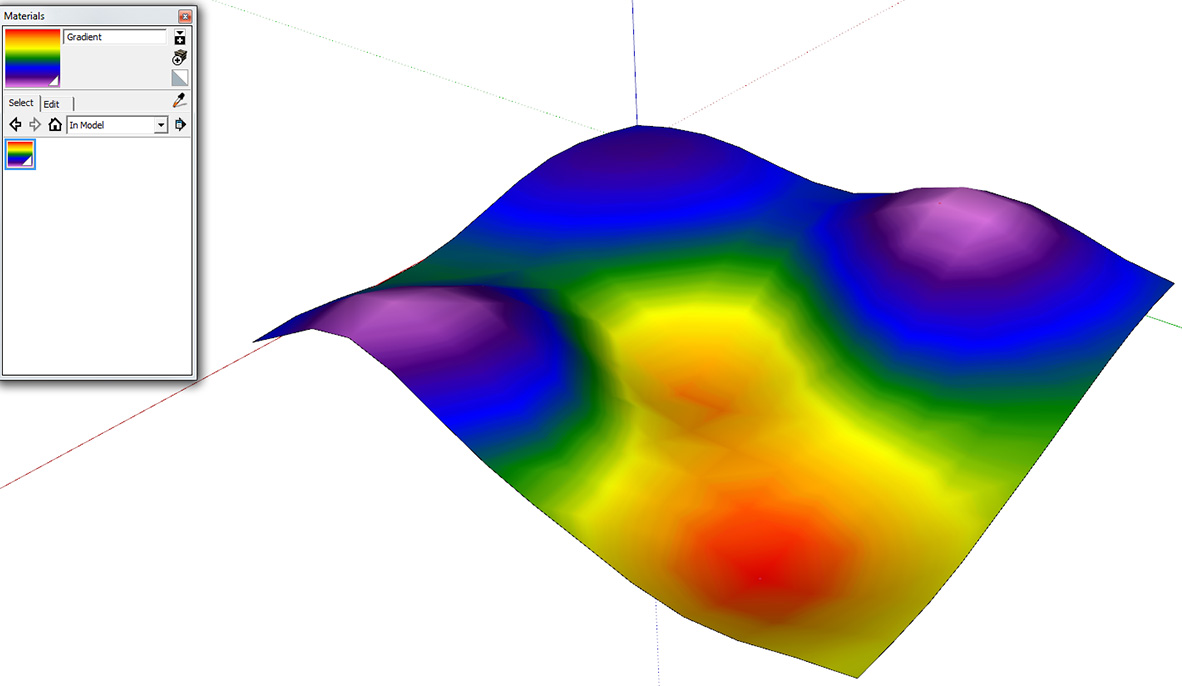
        You could try projecting a gradient texture on to the geometry in one direction, X or Y.
        I used Fredos Thruepaint in this example.
        gradient.jpg

        1 Reply Last reply
        Reply Quote 0
        • utilerU
          utiler
          last edited by

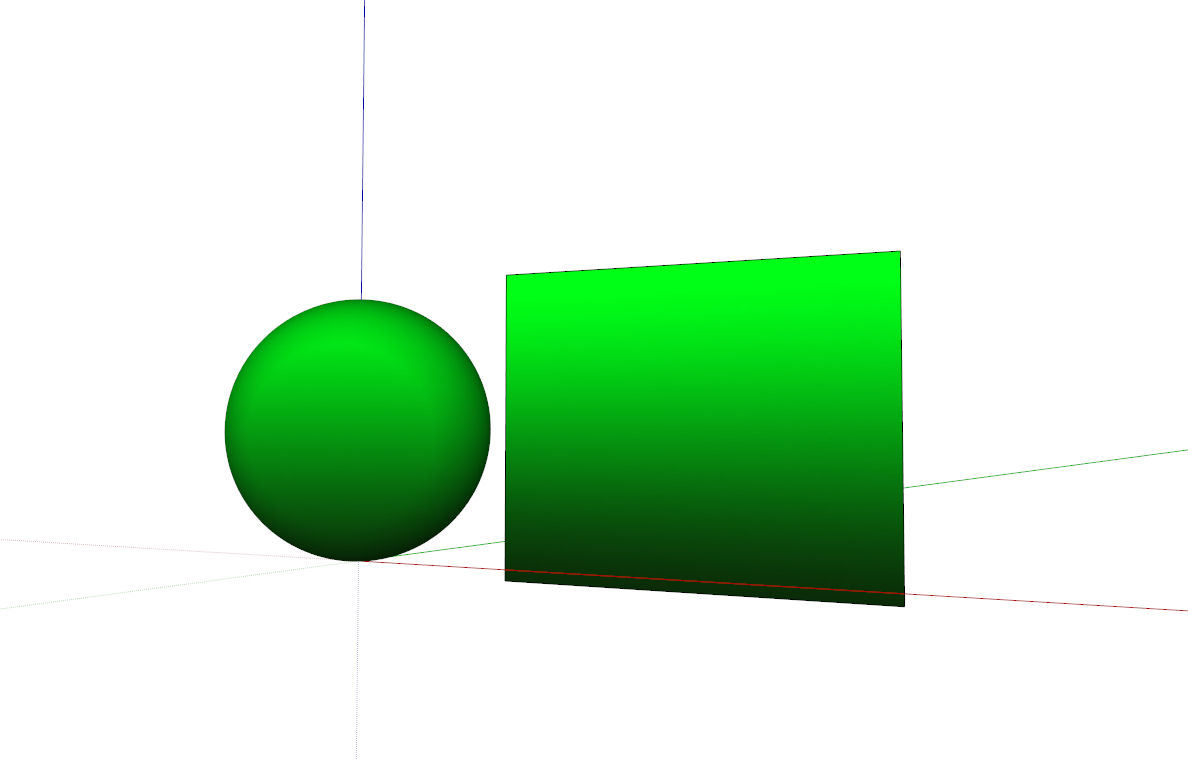
          Thanks for chiming in, guys. I don't really have a screenshot of what I want to do however the images in the 'gradientator' plugin is pretty much what I'd like to achieve although around a sphere. Say mid to dark green at the bottom and light up to a light green at the top.

          Just Curious...

          1 Reply Last reply
          Reply Quote 0
          • soloS
            solo
            last edited by

            Like this?

            Gradient.jpg

            http://www.solos-art.com

            If you see a toilet in your dreams do not use it.

            1 Reply Last reply
            Reply Quote 0
            • pilouP
              pilou
              last edited by

              Color By by Sdmitch ?

              Frenchy Pilou
              Is beautiful that please without concept!
              My Little site :)

              1 Reply Last reply
              Reply Quote 0
              • utilerU
                utiler
                last edited by

                @solo said:

                Like this?

                [attachment=0:1qvos3et]<!-- ia0 -->Gradient.jpg<!-- ia0 -->[/attachment:1qvos3et]

                Yes Pete!!! ๐Ÿ˜ is that Color By SDMitch?

                Cheers Pilou. ๐Ÿ‘

                Just Curious...

                1 Reply Last reply
                Reply Quote 0
                • utilerU
                  utiler
                  last edited by

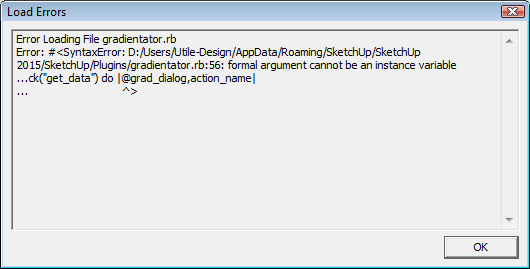
                  Its a shame that 'Gradientator' doesn't work because that's pretty much what I need but I get an error on loading it.....

                  2015-11-13_1316.png

                  Just Curious...

                  1 Reply Last reply
                  Reply Quote 0
                  • soloS
                    solo
                    last edited by

                    @utiler said:

                    @solo said:

                    Like this?

                    [attachment=0:7bpt1o79]<!-- ia0 -->Gradient.jpg<!-- ia0 -->[/attachment:7bpt1o79]

                    Yes Pete!!! ๐Ÿ˜ is that Color By SDMitch?

                    Cheers Pilou. ๐Ÿ‘

                    That is just a gradient texture projected onto a sphere, want it?

                    http://www.solos-art.com

                    If you see a toilet in your dreams do not use it.

                    1 Reply Last reply
                    Reply Quote 0
                    • sdmitchS
                      sdmitch
                      last edited by

                      @utiler said:

                      Its a shame that 'Gradientator' doesn't work because that's pretty much what I need but I get an error on loading it.....

                      If you edit the Gradientator.rb file and remove the "@" above the "^" shown in the error message, the plugin will work. It is just a difference between Ruby 1.8 and Ruby 2.0.

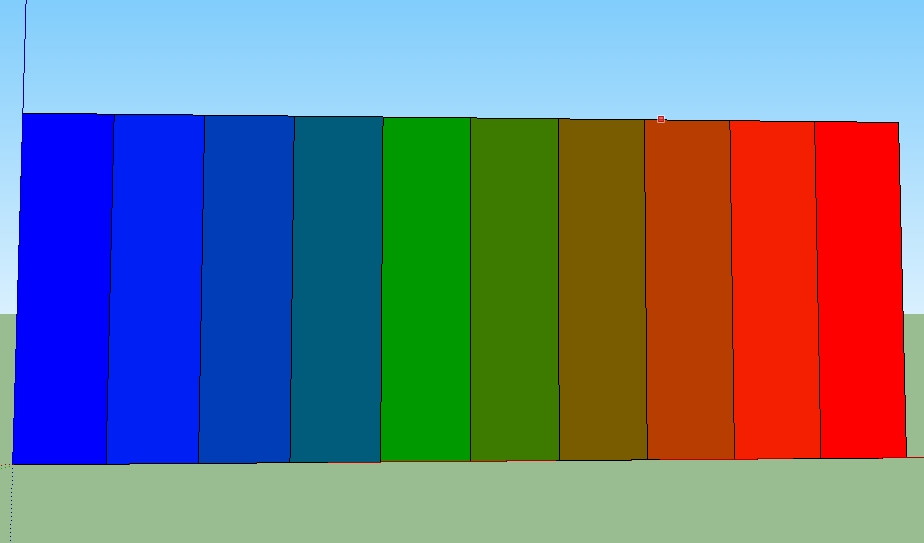
                      However Gradientator only works based on a face's distance from the originGradiant1.jpg.

                      So you will need to rotate the sphere like this. Also, Gradientator only paints the front faces, so if you don't see the colors, select all and reverse the faces.


                      Gradiant2.jpg

                      Nothing is worthless, it can always be used as a bad example.

                      http://sdmitch.blogspot.com/

                      1 Reply Last reply
                      Reply Quote 0
                      • utilerU
                        utiler
                        last edited by

                        I get it thanks Sam. I'll give it a go....

                        And I'll let you know if it doesn't Pete!

                        Just Curious...

                        1 Reply Last reply
                        Reply Quote 0
                        • utilerU
                          utiler
                          last edited by

                          Silly, silly....

                          Chris Fullmer's 'Color by Z' is the simplest way to do this.....

                          404 Not Found

                          favicon

                          (sketchucation.com)

                          Although so does Gradientator which offers an additiona color change.

                          Anyway got what I needed. Once again. thanks guys.!

                          Just Curious...

                          1 Reply Last reply
                          Reply Quote 0

                          Hello! It looks like you're interested in this conversation, but you don't have an account yet.

                          Getting fed up of having to scroll through the same posts each visit? When you register for an account, you'll always come back to exactly where you were before, and choose to be notified of new replies (either via email, or push notification). You'll also be able to save bookmarks and upvote posts to show your appreciation to other community members.

                          With your input, this post could be even better ๐Ÿ’—

                          Register Login
                          • 1 / 1
                          • First post
                            Last post
                          Buy SketchPlus
                          Buy SUbD
                          Buy WrapR
                          Buy eBook
                          Buy Modelur
                          Buy Vertex Tools
                          Buy SketchCuisine
                          Buy FormFonts

                          Advertisement