Need JS help (not really SU-related, but it could be)
-
I guess I haven't made myself clear
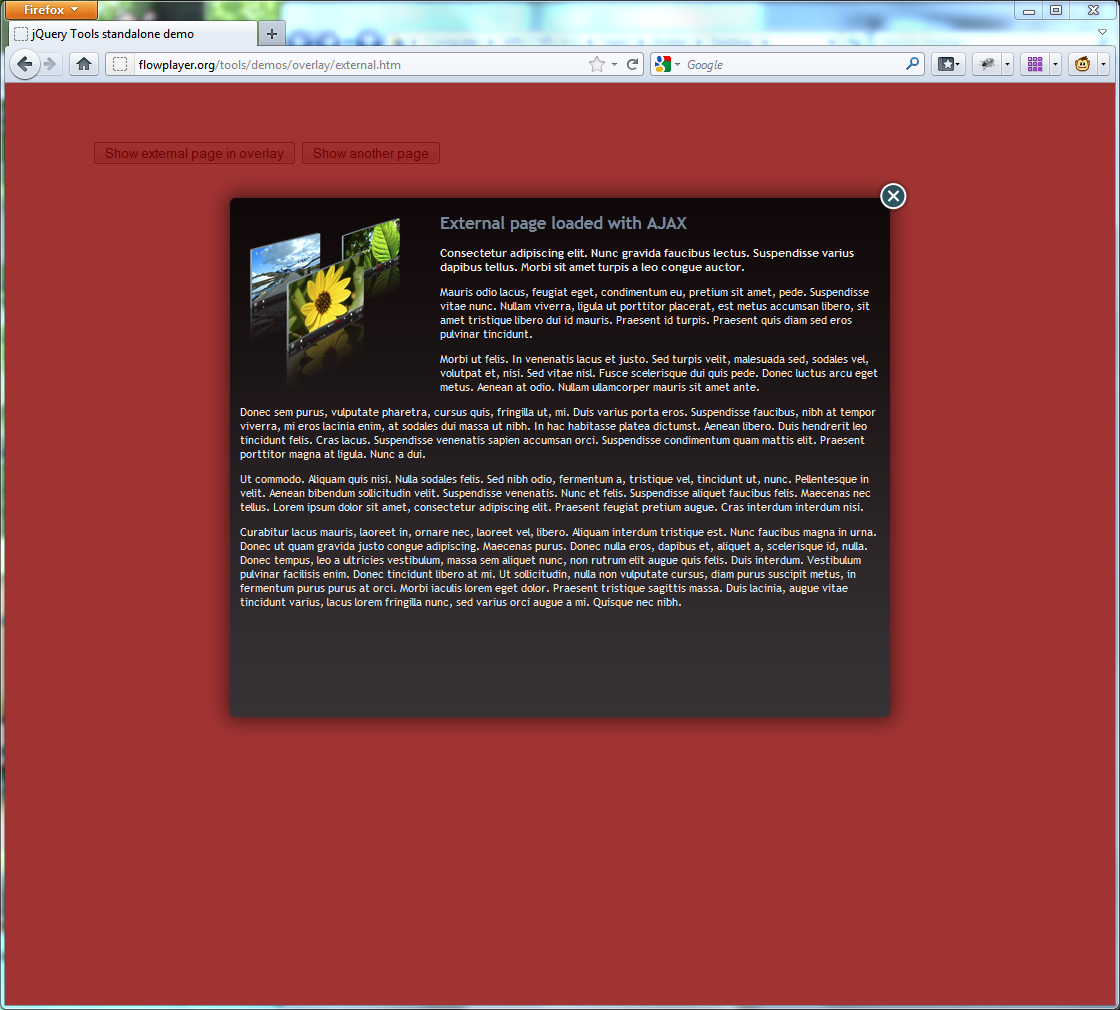
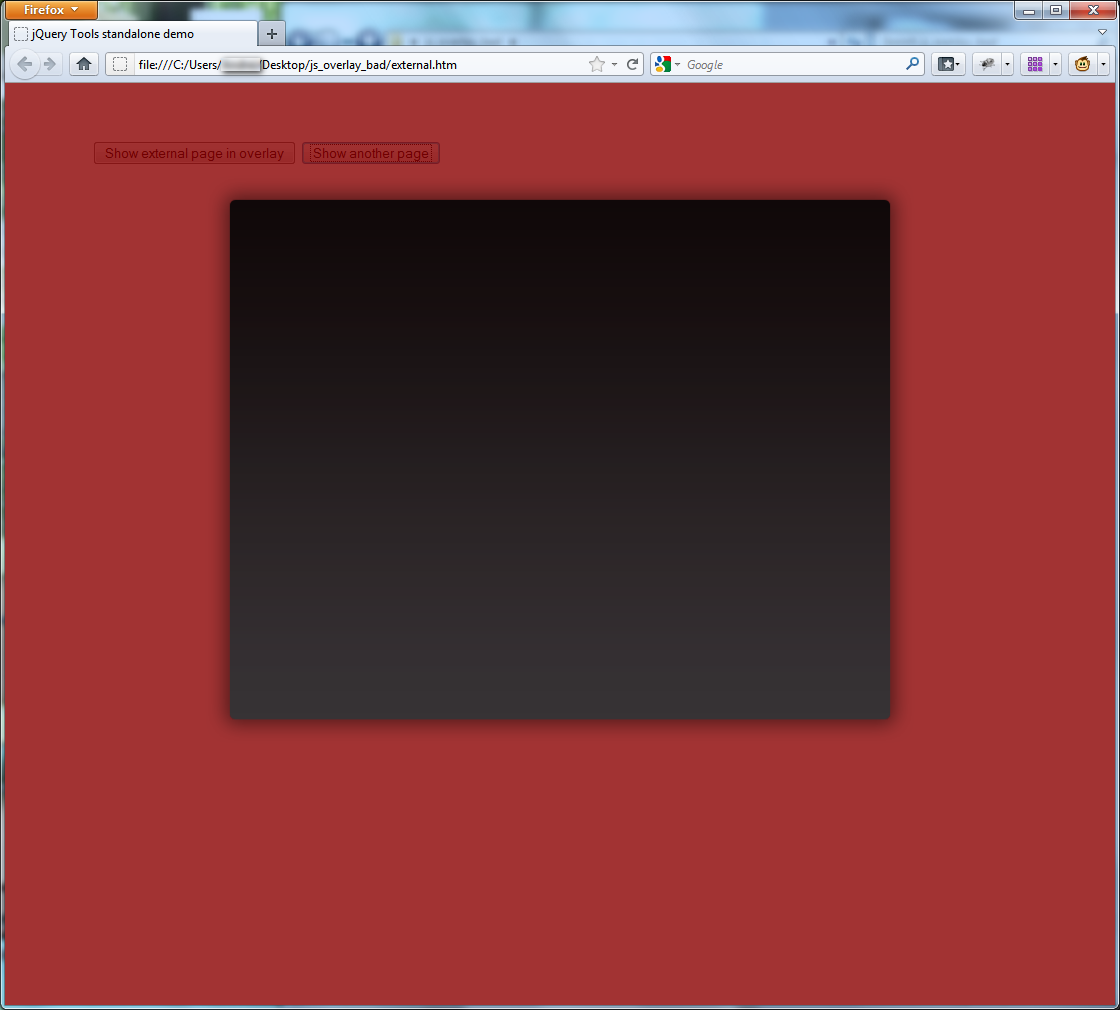
 I need that overlay from http://flowplayer.org/tools/overlay/index.html to work. The page I want to load externally exists. But, if I save the whole standalone page (this one http://flowplayer.org/tools/demos/overlay/external.htm ) and I run it from my station, it fails to work. The overlay div is opened, but no (x) button and no page loaded... Though, on the website, everything works fine.
I'm a newbie, I'm just learning JS... so it's very possible that I'm missing something obvious.
Thanks again. I attached the files, dowloaded from the website.
EDIT - added print-screen images:
js_overlay_bad.7z
-
I thought that image is somehow provided from a third party location. (like the transparent red background).. and I hoped that will be available when I ran the file from my local host. Now the (X) is shown (i had to add the image src), as there was nothing, but the page is not loaded. I'll try to make a custom page (with iframe), not that existing one... but I doubt it will work different
I tested it with IE9, FF, Chrome... same result on all of them. The black overlay is loaded... but the page is completely missing. -
the simple html I added above should work if saved locally and opened.
if it doesn't, you've got some MS system blocking happening.
john
-
Still can't get it right
In Chrome it doesn't even show the iFrame's border...
What I want to open in that overlay div is a Google Site Search ElementI'm attaching here the actual files.
js_overlay.zipAny suggestions/solutions ?
-
couple of things, your key needs to be in the link src or the rest never gets to Google....
and you're shouting, in some of your additions... i.e. ALL_UPPERCASE. don't do it.
JS uses medial capitals for specificFunctionality and breaks if you yell at the wrong place.<script type="text/javascript" src="https://www.google.com/jsapi?key=0110....editedOut......aww"></script> <script type="text/javascript"> google.load('search', '1', {language ; 'en', style ; google.loader.themes.minimalist}); google.setOnLoadCallback(function() { var customSearchControl = new google.search.CustomSearchControl( '0110.......editedOut.........aww'); customSearchControl.setResultSetSize(google.search.Search.filtered_cse_resultset); var options = new google.search.DrawOptions(); options.setAutoComplete(true); customSearchControl.draw('cse', options); }, true); </script>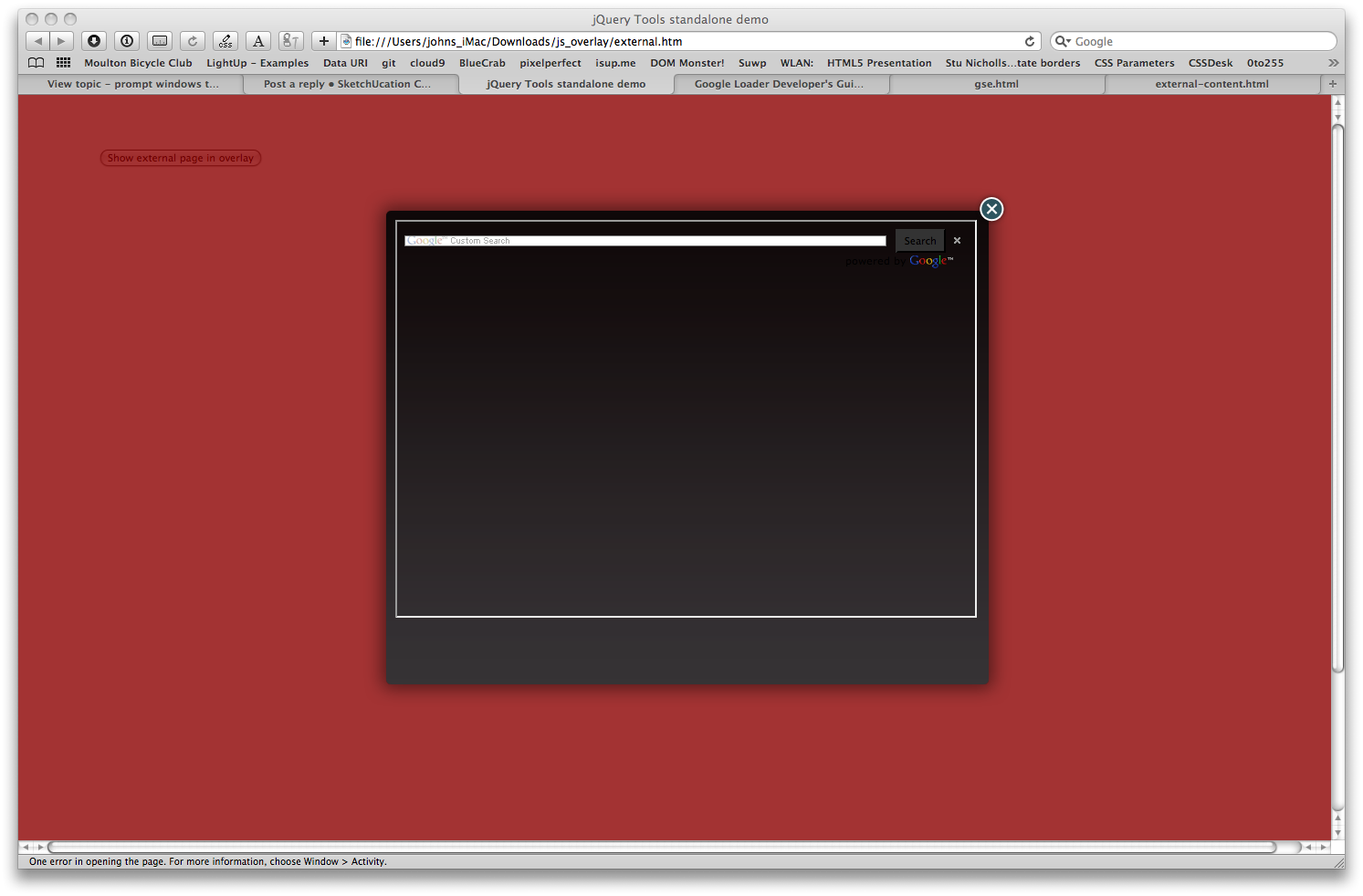
the page works here in Webkit, but haven't tested if it searches...
john -
Wow, thanks !
 It searches, I tested it in the "classic way" ... now I had some trouble with the implementation.
EDIT - the CAPS were actually the original code copied from google. The entire gse.html is almost unaltered (except the line height, css modified - but I will restore it to actual size)
-
It seems like it doesn't work in Google Chrome
... and as I could read on internet, it seems to be a problem with loading the iFrame. Isn't any approach, to avoid iFrames? Or to make sure that it loads in Chrome too? -
try it in a div, maybe the key will let that work...
-
@driven said:
try it in a div, maybe the key will let that work...
I made further tests... something blocks the loading of the search element in Chrome... I have no clue what it can be
The iframe works in Chrome with static pages, but not with some loaded dynamical.Div doesn't accept src, neither as html attribute nor as css . I tried, I documented on internet... I guess it would be possible with Ajax, but that is just too much for me
Any more suggestions?
-
The search is working, but from some reason it freezes IE and still don't load the search bar in Chrome. I just have no more ideas about what to do...
Here are the files.
js_overlay.zip

Hello! It looks like you're interested in this conversation, but you don't have an account yet.
Getting fed up of having to scroll through the same posts each visit? When you register for an account, you'll always come back to exactly where you were before, and choose to be notified of new replies (either via email, or push notification). You'll also be able to save bookmarks and upvote posts to show your appreciation to other community members.
With your input, this post could be even better 💗
Register Login


Advertisement