sketchucation logo sketchucation
    • Login
    Oops, your profile's looking a bit empty! To help us tailor your experience, please fill in key details like your SketchUp version, skill level, operating system, and more. Update and save your info on your profile page today!
    ⚠️ Update | Sketchucation Tools 5.0.8 released with licensing improvements and bugfixes Download

    How to make transparent alfa mask texture - SU?

    Scheduled Pinned Locked Moved SketchUp Components, Materials & Styles
    sketchup
    10 Posts 5 Posters 3.3k Views 5 Watching
    Loading More Posts
    • Oldest to Newest
    • Newest to Oldest
    • Most Votes
    Reply
    • Reply as topic
    Log in to reply
    This topic has been deleted. Only users with topic management privileges can see it.
    • jarynzlesaJ
      jarynzlesa
      last edited by

      I couldn't find tutorial how to make transparent alfa mask texture.

      Does anybody know where I could find it, If exist?

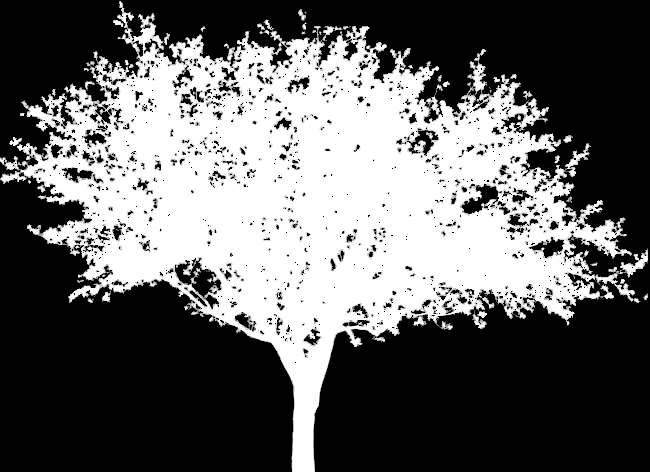
      Example textures.
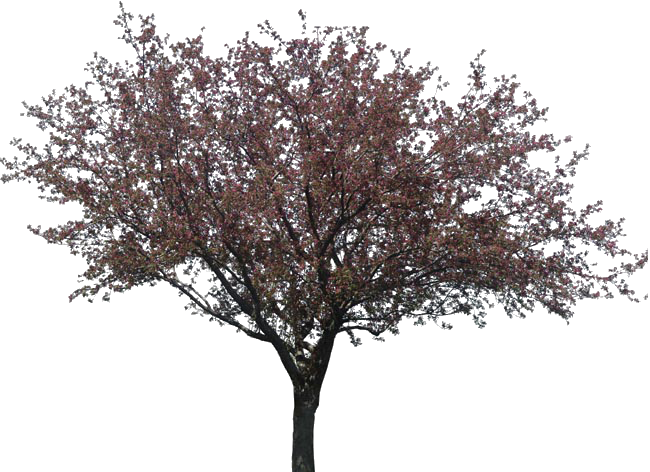

      Tree


      tree_alpha

      http://www.vizualizaceschodiste.mypage.cz/

      1 Reply Last reply
      Reply Quote 0
      • GaieusG
        Gaieus
        last edited by

        Hi jarynzlesa,

        That png is already transparent. Do you mean how to make that one or how to make the alpha? Or actually, how to start from scratch (from a photo you take)?

        Gai...

        1 Reply Last reply
        Reply Quote 0
        • andybotA
          andybot
          last edited by

          Are you looking to make a separate image file with the alpha layer? In Photoshop - you would go to "layer -- layer mask -- from transparency" This way you get an new alpha channel that you can save into a new image. I can explain further if that's what you're looking for.

          http://charlottesvillearchitecturalrendering.com/

          1 Reply Last reply
          Reply Quote 0
          • jarynzlesaJ
            jarynzlesa
            last edited by

            Sorry for misunderstanding. This is my fault. Problem solved.
            I'm idiot. πŸ‘Ž

            http://www.vizualizaceschodiste.mypage.cz/

            1 Reply Last reply
            Reply Quote 0
            • GaieusG
              Gaieus
              last edited by

              So what exactly was that problem?

              Gai...

              1 Reply Last reply
              Reply Quote 0
              • jarynzlesaJ
                jarynzlesa
                last edited by

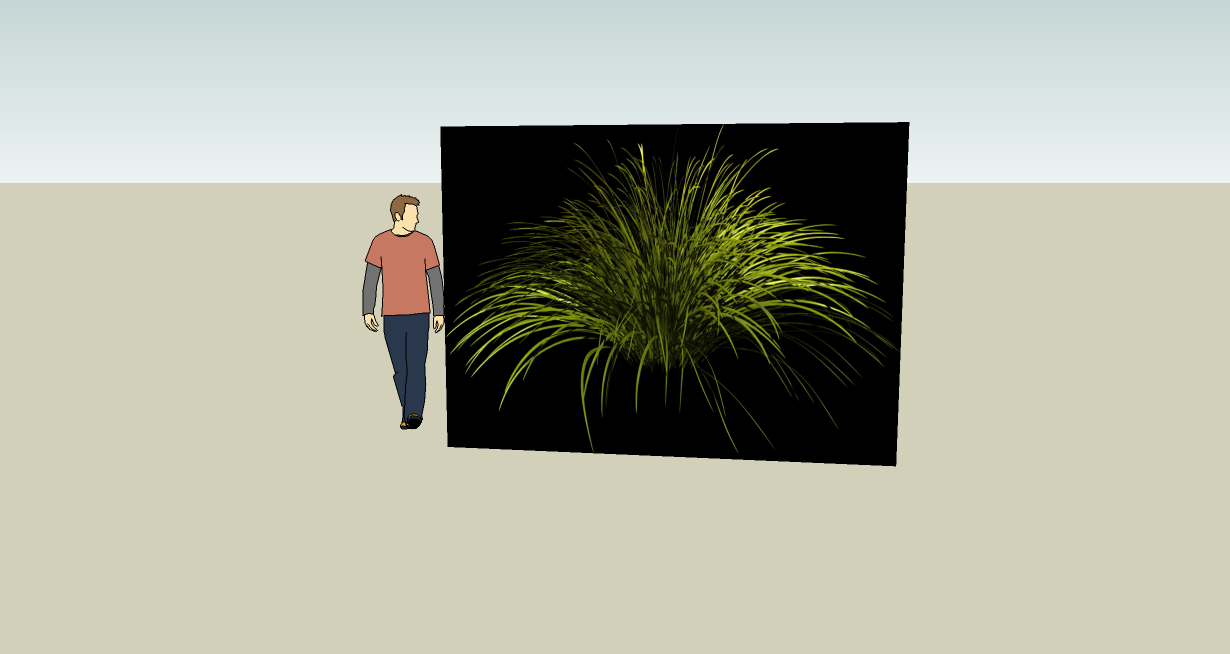
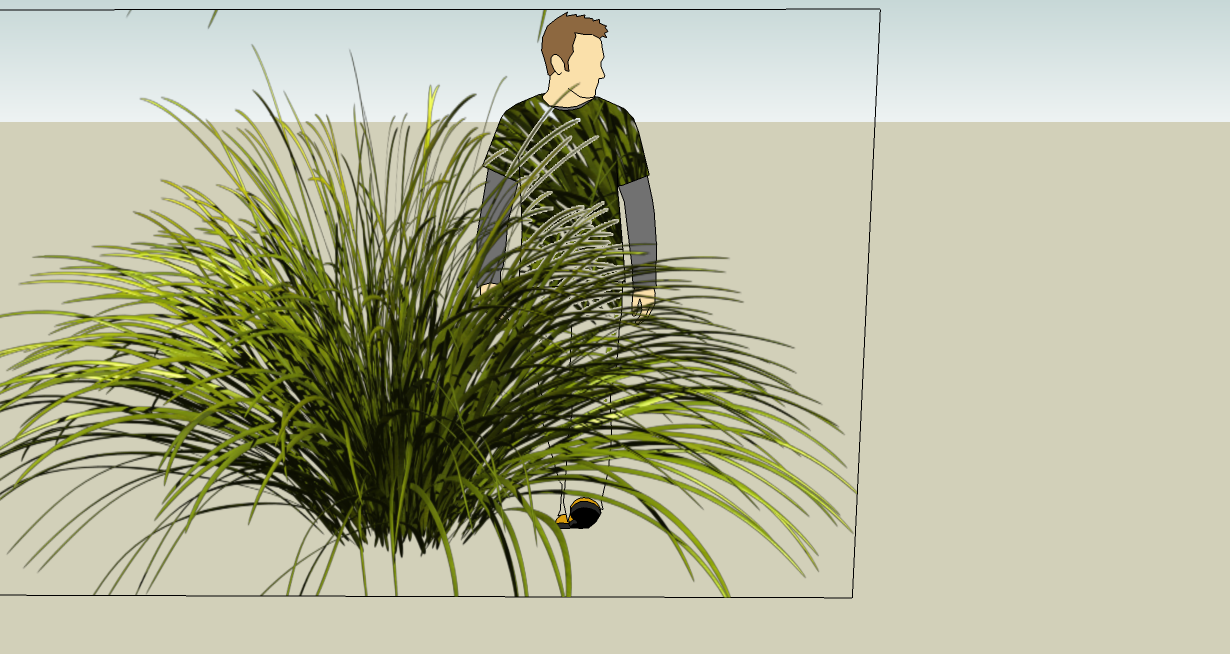
                I didn't create layer mask.
                Thank you for comments πŸ‘.


                without layer mask


                problem_solved

                http://www.vizualizaceschodiste.mypage.cz/

                1 Reply Last reply
                Reply Quote 0
                • D
                  d12dozr
                  last edited by

                  You can hide the outside edges to make the 'bounding box' invisible...

                  3D Printing with SketchUp Book
                  http://goo.gl/f7ooYh

                  1 Reply Last reply
                  Reply Quote 0
                  • jarynzlesaJ
                    jarynzlesa
                    last edited by

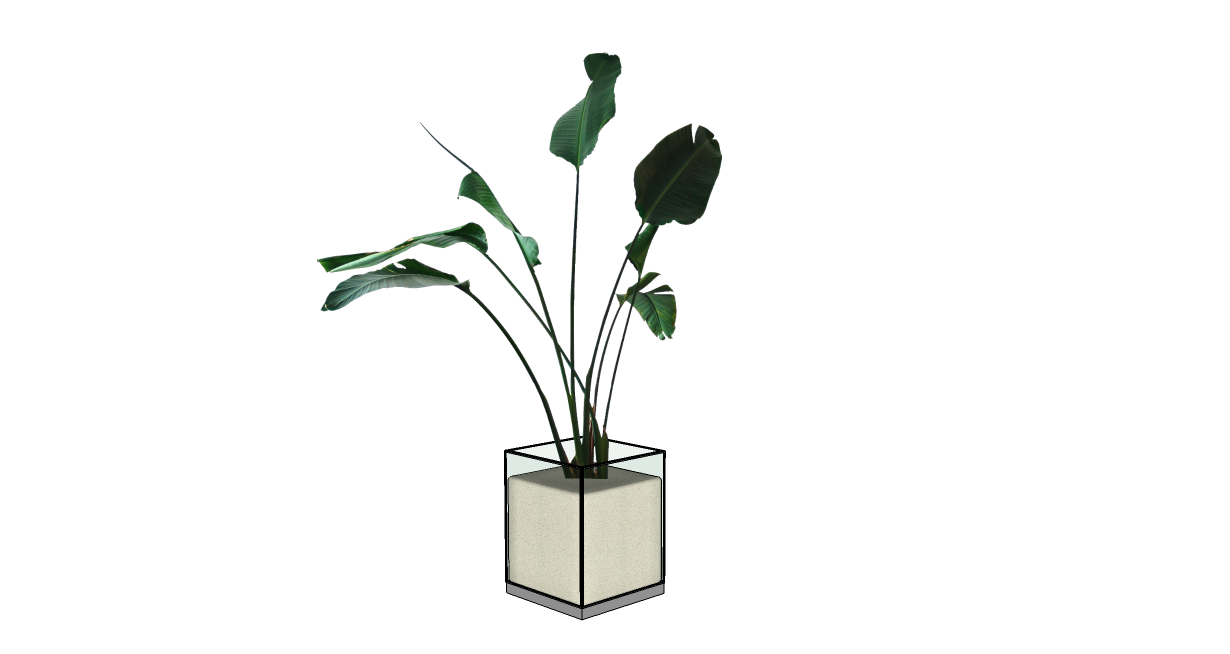
                    Don't know what 'bounding box' is but I got rid of those edges (erase + shift).
                    Thanks for advice 😎 .


                    Works

                    http://www.vizualizaceschodiste.mypage.cz/

                    1 Reply Last reply
                    Reply Quote 0
                    • D
                      d12dozr
                      last edited by

                      That's what I meant πŸ˜‰ A little faster way to hide those lines is to double click the face so the face and edges are selected, then shift-click the face once to DE-select just the face(this leaves all the edges selected). Then hide the edges all at once -- I have 'hide' set as a keyboard shortcut, or right click > Hide.
                      To be precise, a bounding box is the dotted gray lines that surround a group or component when its open for editing, or the blue lines that appear when a group or component is selected.

                      Your plant looks great!

                      3D Printing with SketchUp Book
                      http://goo.gl/f7ooYh

                      1 Reply Last reply
                      Reply Quote 0
                      • R
                        rspierenburg
                        last edited by

                        I usually have a 'hidden' layer setup by default, and place all those boundary lines on that and just turn it off.

                        1 Reply Last reply
                        Reply Quote 0

                        Hello! It looks like you're interested in this conversation, but you don't have an account yet.

                        Getting fed up of having to scroll through the same posts each visit? When you register for an account, you'll always come back to exactly where you were before, and choose to be notified of new replies (either via email, or push notification). You'll also be able to save bookmarks and upvote posts to show your appreciation to other community members.

                        With your input, this post could be even better πŸ’—

                        Register Login
                        • 1 / 1
                        • First post
                          Last post
                        Buy SketchPlus
                        Buy SUbD
                        Buy WrapR
                        Buy eBook
                        Buy Modelur
                        Buy Vertex Tools
                        Buy SketchCuisine
                        Buy FormFonts

                        Advertisement