[Plugin] Add comments to your file
-
An excellent addition to an already useful plugin.
But you know people are going to start asking for things like, can you link a comment to a specific layer/scene/component etc etc
-
@box said:
An excellent addition to an already useful plugin.
But you know people are going to start asking for things like, can you link a comment to a specific layer/scene/component etc etc
Then I would say : why not !

Let's me finish tabs feature, then I will have a look at other additional features.
But any idea is welcomed !
Inteloide -
Dear Inteloide,
Well, I must have been doing something silly because it's all working just fine.
Thanks for the swift response.
Kind regards,
Bob -
@inteloide said:
@box said:
An excellent addition to an already useful plugin.
But you know people are going to start asking for things like, can you link a comment to a specific layer/scene/component etc etc
Then I would say : why not !
Let's me finish tabs feature, then I will have a look at other additional features.
But any idea is welcomed !
Inteloidethe tabbed version will be a big enhancement; one tab per scene, for example...
would it be possible to put an active internet link in the comments window?
-
A tabbed version will above all increase the complexity of the plugin. Users could want that tabs represent scenes, others maybe specific entities etc.? A developer's challenge is to come up with a solution that is universally applicable but doesn't increase the complexity of code and UI too much. That is what makes it so interesting
-
very cool indeed
-
Hello,
I can't resist anymore ! Please find here version 1.2.0 for trial (not official for now).
Is missing translation (to be added later) so all is in English.
Your comments from previous version are not destroyed : they are in "General" tab.
To delete a tab just click on red cross that appear when mosue is over a tab label.
To add a tab, click on "+" tab
Also one important improvements, is the undo stack is not filled with action of comments saving.To be added :
- Translation
- Tab rename function
- Tab position change
Please try to add/delete tab to check if all is ok. I spent lot of time to check, but please try yourself.
For Aerilius : I try to keep code so big, I'm still ok I think. Let me bet that you will have a look ;o)
For Glro/Box, I will try to implement a link between tab and scene (when clicking on a scene, a tab is shown). My main concern is to keep interface simple. Also for hyperlink, I cannot do it without nicEdit (through JQuery). The problem is to manage it, quite complex for me. I tried (some hours) to debug it, unsucessfully. Let's try again, starting from 0...
Inteloide
-
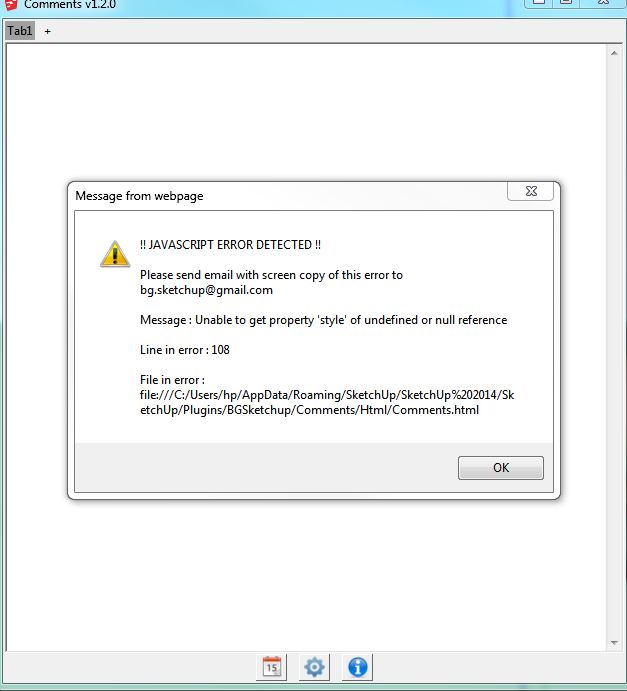
Looks good but I managed to break it for you.
If you create a new tab and Delete the General tab it gives you this error. Generally you wouldn't expect someone to delete the general tab, but I just had to do it to see.
-
Well done ! Thanks for that !
Here is the correction :
Version 1.2.1Version history:
1.2.1: Corrected : Avoid error when deleting tab placed before current tab1.2.0: Added : Added possibility to have different tabs Optimzed : Change toolbar name to "Comments (BGSketchup)" Optimzed : Avoid filling "undo" stack with comments saving operation. -
@inteloide said:
Well done ! Thanks for that !
Here is the correction :
[attachment=0:1thx4yvb]<!-- ia0 -->Comment v1_2_1.rbz<!-- ia0 -->[/attachment:1thx4yvb]Version history:
1.2.1: Corrected : Avoid error when deleting tab placed before current tab1.2.0: Added : Added possibility to have different tabs
Optimzed : Change toolbar name to "Comments (BGSketchup)"
Optimzed : Avoid filling "undo" stack with comments saving operation.very efficient
would be nice to be able to rename the title of the tabs
"espanol" doesn't include "h"
maybe i type rather fast, but the comment get written in the window very slowly; maybe it is my computer
an internet link would be useful for me, because it would enable to attach a cloud hosted document to the model but a link to a scene would not; you can already switch scene using the native scene tabs
the button (icon) doesn't show up the first time after installing the plugin; but it pops up the second time you launch sketcup after installing the plugin
-
Hello
Rename function added :
Version 1.3.0Place your mouse on tab name, and a new button appear.
I also added mouse title when over the button to discribe their function.For hyperlink... you have to be more patient
For linking a tab to a scene, I think that people wants to show a tab when user click on a scene. That is quite easy to do with an observer.For your slow key entry, I save the comment each time you press a key or you left the text area (to catch copy/paste events).
That may slow down system but not as much as I understand from you...Inteloide
-
Hello,
Just post (on first post) the last version of the plugins, with following improvments :
Corrected : Allow the modification of tab name on first tab
Corrected : Allow special characters in tab name
Corrected : Remove prompt when deleting a tab
Corrected : Hide tabs when showing options
Optimized : Add translation possibility for last adding feature
Optimized : Increase tab "+" size for more accessibility
Optimized : Add border around tab for to distinguish tabs more easilyEnjoy !
Inteloide
-
@inteloide said:
Hello
Rename function added :
[attachment=0:no9akdmn]<!-- ia0 -->Comment v1_3_0.rbz<!-- ia0 -->[/attachment:no9akdmn]Place your mouse on tab name, and a new button appear.
...Inteloide
yes, it works; very nice plugin; i have been trying a few to comment easily and clearly a sketchup model scene by scene; this is the best so far
thank you
-
Hello !
Just post a new version that can link tab a scene : when clicking on a scene, the tab appears.
For that, click on the new button icon when mouse on tab. A new window open asking for tab name and scene link.Oh...just thinking that translation is missing...I'll correct soon...
Inteloide
-
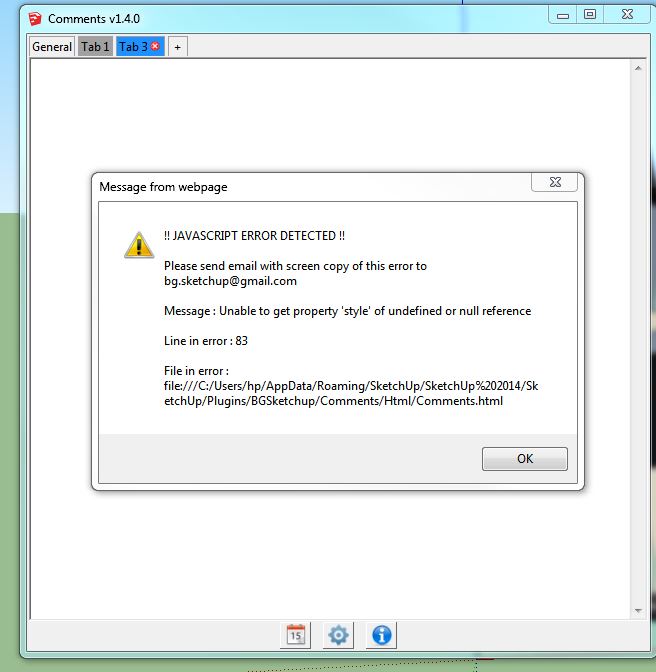
Hmmm, no, this version appears broken for me.
I can't change a name or link to a scene and deleting a tab throws the error attached.
-
Hello Box,
I just see your post...after I upload version 1.5.0.
So please try version 1.5.0 add please tell me if your bug remains.
Regards
Inteloide -
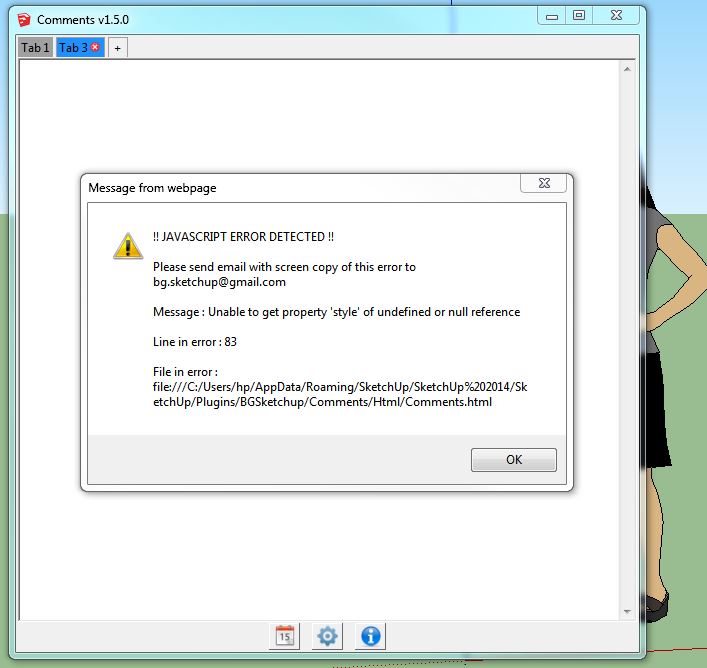
Still getting the same error.
-
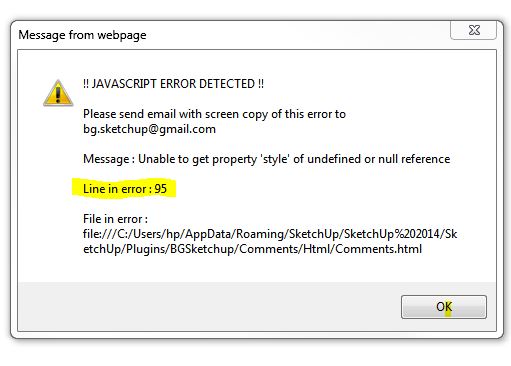
Sorry, I just noticed that it has a second error, thought it was a repeat but it is a different line.
-
@box said:
Sorry, I just noticed that it has a second error, thought it was a repeat but it is a different line.
There were a lot of bugs actually... Thanks for raising the error you had.
Version 1.5.1, just posted, corrects the tab deletion issue.Inteloide
-
just downloaded the 1.5.1 version
found out you have to press on "TAB" to link a tab to a scene
but actually no link seems to be made on my computer, because when i clic on the tab in comment window, it doesn't show the linked scene in sketchup, and when i clic on the scene tab in sketchup, it does'nt show the linked tab comment
i am probably missing something...


Hello! It looks like you're interested in this conversation, but you don't have an account yet.
Getting fed up of having to scroll through the same posts each visit? When you register for an account, you'll always come back to exactly where you were before, and choose to be notified of new replies (either via email, or push notification). You'll also be able to save bookmarks and upvote posts to show your appreciation to other community members.
With your input, this post could be even better 💗
Register Login


Advertisement