Community Chess and Renderings
-
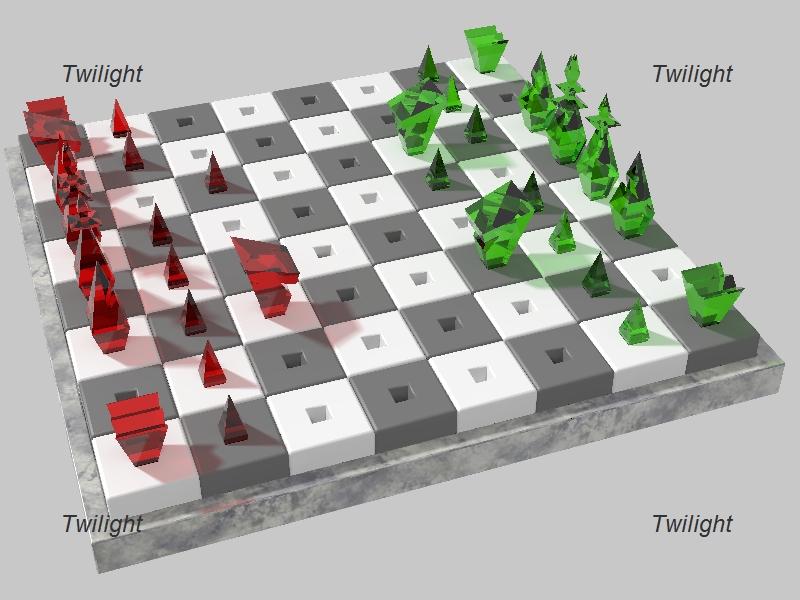
Alright I designed and built this board yesterday in about 30 min.
(I should have saved it for a challenge ).
).
Anyway, I promised a community chess board so here it is. Let me lay out the rules which I just made up.When you decide you want to play choose a side, Emerald or Ruby.
No changing sides once chosen.
1. Post a reply saying that it is your move and what side you are on.
2. Make your move then create a rendering of it.
3. Post another reply with the rendering and the changed model for the next person's turn.
Render it however you wish, even if it is just a screen grab of your move. Also Post as many as you like.
Please save the model as SU version 6 as there are still some in the community who don't use version 7.
Also, many comments on the renderings are welcome.
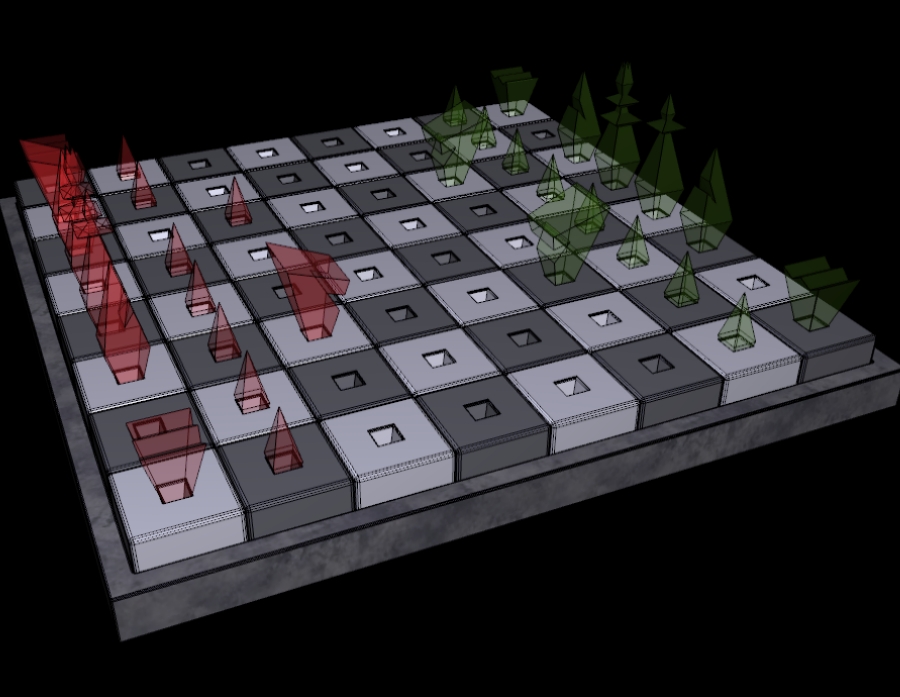
If there are any disputes we can get a Moderator to mediate.Here is the board model (just the board model) and the initial renderings. No moves have been made yet.
Also, the board has 1 foot squares so it is quite large (which might make for some interesting renderings as well).
GemChess.skp -
Ok, it seems to me that green should open, so I'll start on the green side.
-
That is so cool.

I'll just stand off tot he side and Kibbitz annoyingly
-
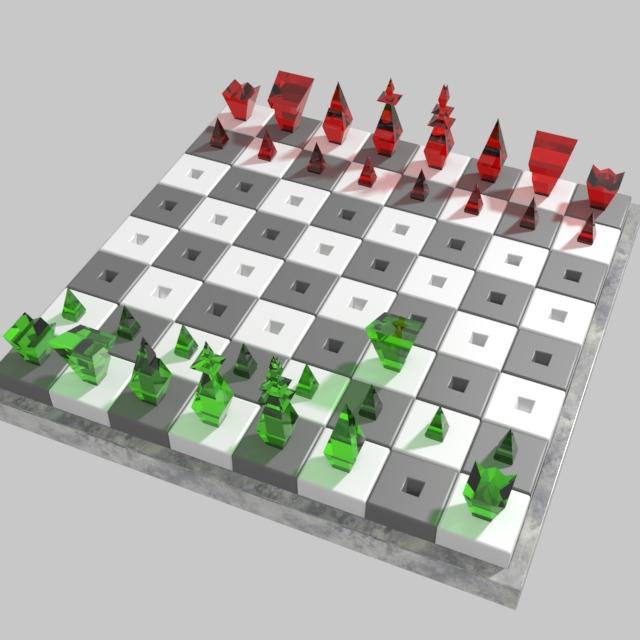
Here's my move.
Small tip for the next move: This is in fractional U.S. units , so to avoid messing up please type 1' for every square you move your pieces. The ' symbol is below the ?, at least in my keyboard. If you don't find the ' or you're forced to activate it with a modifier key, just type .3048m for every square you move.
EDIT: I've just enabled length snapping = 1' to prevent accidents.
-
-
I feel im going to be at a distinct disadvantage using indigo for this
-

-
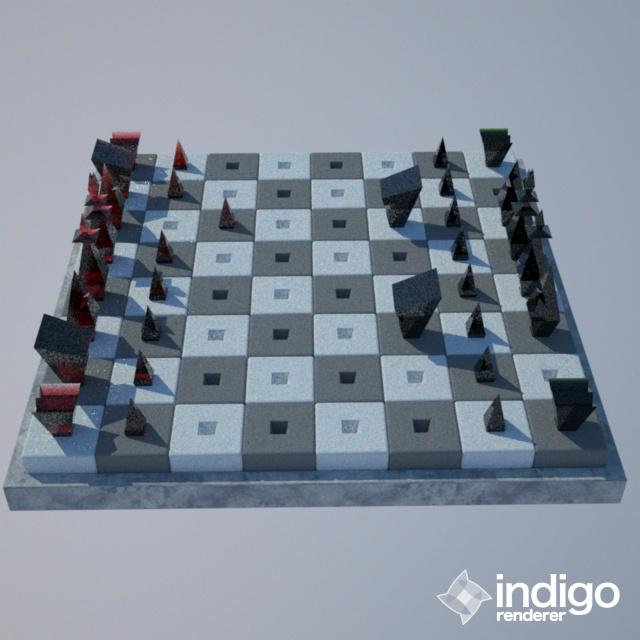
Just use Indigo's Path Tracing mode, Remus, it's pretty fast for sunlit exteriors. This was done in a minute and a half.
My move.
-
s'all grainy, though!
-
Gotta agree...wayyy too grainy.
-
Try an animated move..

-
Im game, as long as you dont mind pausing the game for a week or two

-
animated 3rd move, please ignore it as Miguel posted 3rd move before I could finish my animation.
(took longer to upload to imageshack than to animate, quality dropped huge when converting from avi to gif)
(move is called Crystal method)

-
-
Just realised that the piece was moving through the board, so a quick change was in order.
(called a jump move)

-
Very nice, which renderer?
-
Animated and rendered with Vue.
-
I knew the motion was too natural for SketchUp.
 I wish we had smooth motion... One can only wish.
So, are you making your move on the green side, Remus? If you don't feel like rendering just post a screenshot. -
-
Ah. Remus! I was about to post that very move.



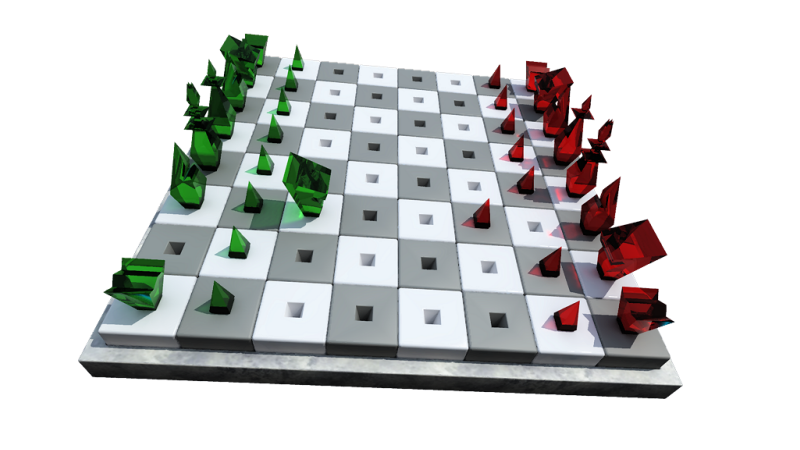


Hello! It looks like you're interested in this conversation, but you don't have an account yet.
Getting fed up of having to scroll through the same posts each visit? When you register for an account, you'll always come back to exactly where you were before, and choose to be notified of new replies (either via email, or push notification). You'll also be able to save bookmarks and upvote posts to show your appreciation to other community members.
With your input, this post could be even better 💗
Register Login


Advertisement